11
2.4G/Bluetooth Wireless Barcode Scanner
Initialization Setting&Version Information
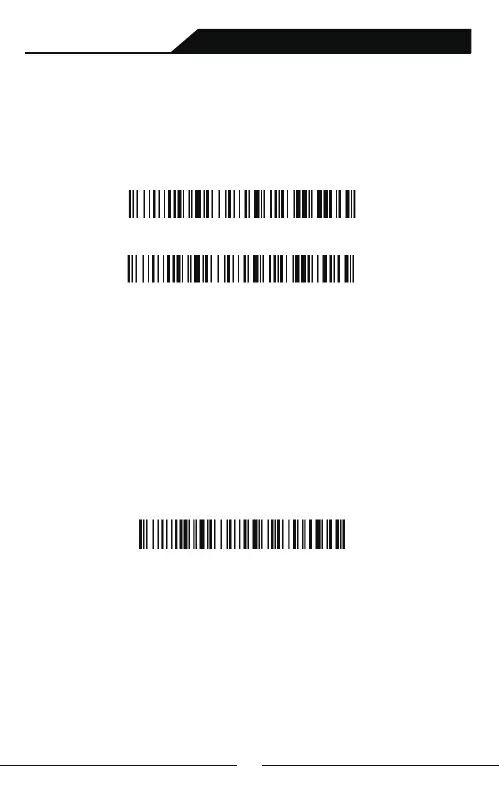
During usage,if you scan other set-up barcode by mistake and the
scanning cannot perform as normal way, you can scan the initialization
set-up barcode to revert.
Initialization Setting
Display Version Information
Note: When the scanner enters the state of matching and it does not
pair withbluetooth successfully within 1 minute, there is 2 times long
low sound indicated failing match and return to scanning mode.
B: Turn on Bluetooth in the device to detect bluetooth device
named with "Barcode Scanner HID".Click "Barcode Scanner
HID" to enter pairing status.: If pair successfully, you will hear a beep.
HID Pair Set-up Barcode
Pair with operating system(Including Android、ios、win system)
that with Bluetooth function :
Bluetooth Pairing Steps:
A: Start the scanner and long press for 8 seconds or scan the bluetooth
pairing setup barcode to enter the bluetooth search mode.



 To Next Page