13
2.4G/Bluetooth Wireless Barcode Scanner
Note: When the scanner enters the state of matching and it does not
detect the receiver successfully within 1 minute, there is 2 times long
low sound indicated failing match and return to scanning mode.
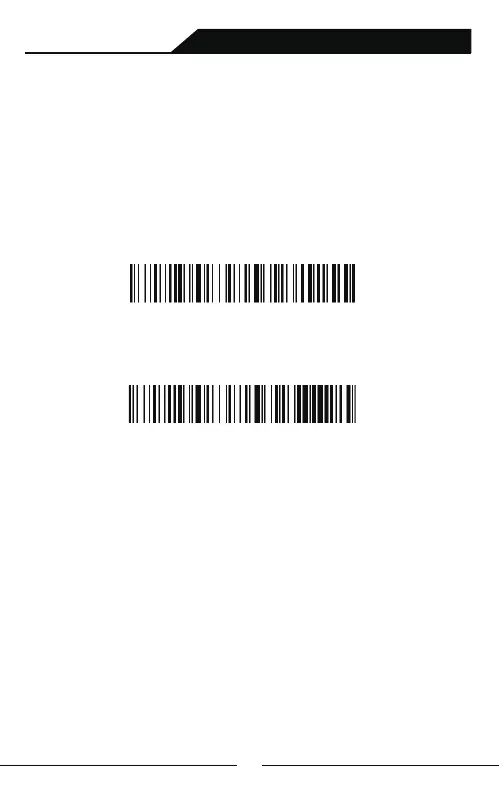
A:Scan Dongle setup Barcode
B:Scan “Compulsory Pair with Dongle Setup Barcode” so that enter
into pairing state.The blue light on the left flickers quickly.
Compulsory Pair with Dongle Setup Barcode
C:Plug the receiver, If pair successfully, you will hear a beep.The blue
lighton the right is always on.
PC terminals ,like desktop computer, which is not equipped
with bluetooth,need to pair with Dongle,Dongle Pairing Steps
as follow:
Pairing with 2.4G Dongle:



 To Next Page