21
2.4G/Bluetooth Wireless Barcode Scanner
Bluetooth Name Change Setting
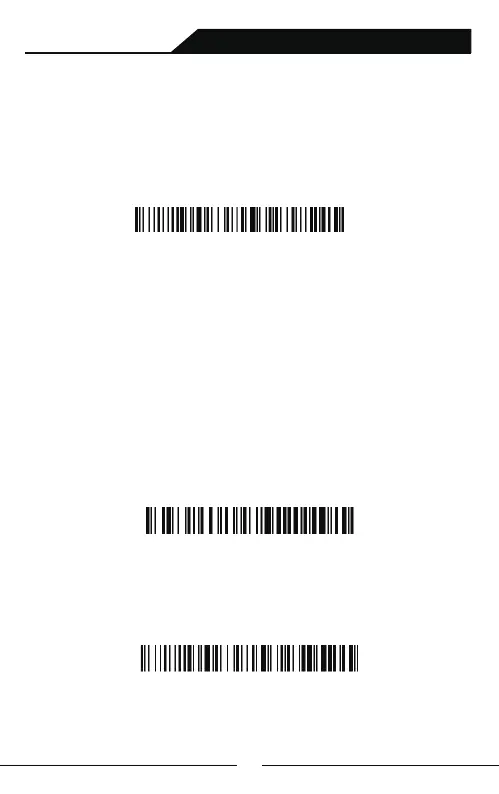
A.Scan Bluetooth Name Change Set-up Barcode:
Initialization Set-up
Bluetooth Name Change Set-up Barcode
B.Scan the user-defined barcode of bluetooth name within 16
characters (Symbology unlimited,letter,number or symbol works). If
customer wants to change the bluetooth name as you like it, you
should equipped with bar code generator yourself.
For example, Once you make a bar code of Scanner123,the bluetooth
name of scanner would be changed as Scanner123 after scanning the
bar code you made.
Note: Once initialized,the bluetooth name would revert to the default。
Scanner123



 To Next Page