MenuFunctions
Diagnosticfunctionsareaccessedviathemultifunctionbuttonsandliquidcrystaldisplayonthe
electronicsboxofthelampheads.
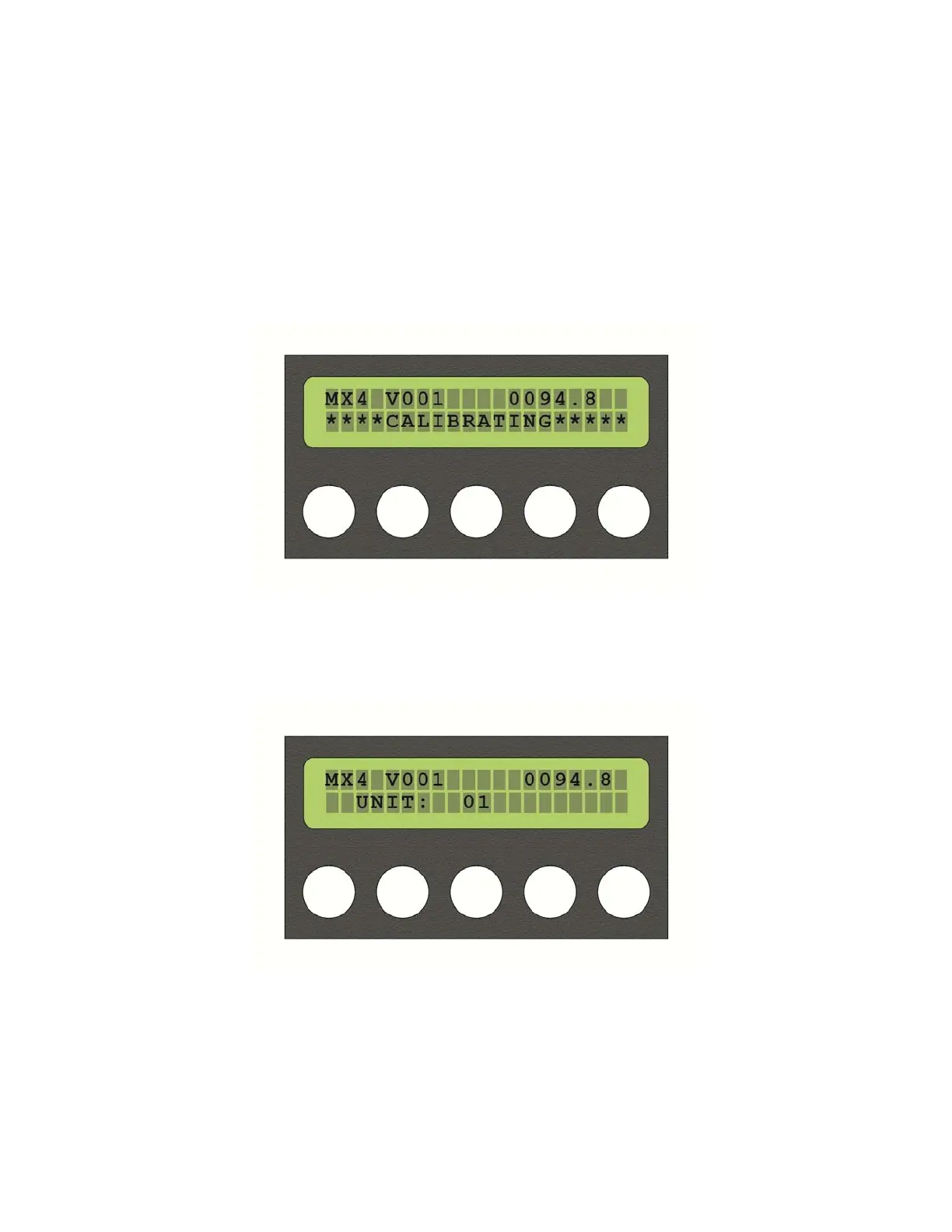
Onpower‐up,thedisplaywillread“CALIBRATING”anddisplaythesoftwareversion.
Oncecalibrationiscomplete,“CALIBRATING”willbereplacedwiththeunitID#,whichwillbe
anintegerrepresentingarangeofDMXorunit#’s,thenumberofwhichchannelsis
determinedbythetypeofunit.
12345
Toaccesstheon‐boardmenu,simultaneouslypressbutton1and5.Thefirstscreenshould
read“SETID”.Buttons4and5willmapto(+)and(‐)inthedisplaywindow.Usebuttons4(+)
and5(‐)toincreaseordecreasetothedesiredvalue.
16



 To Next Page