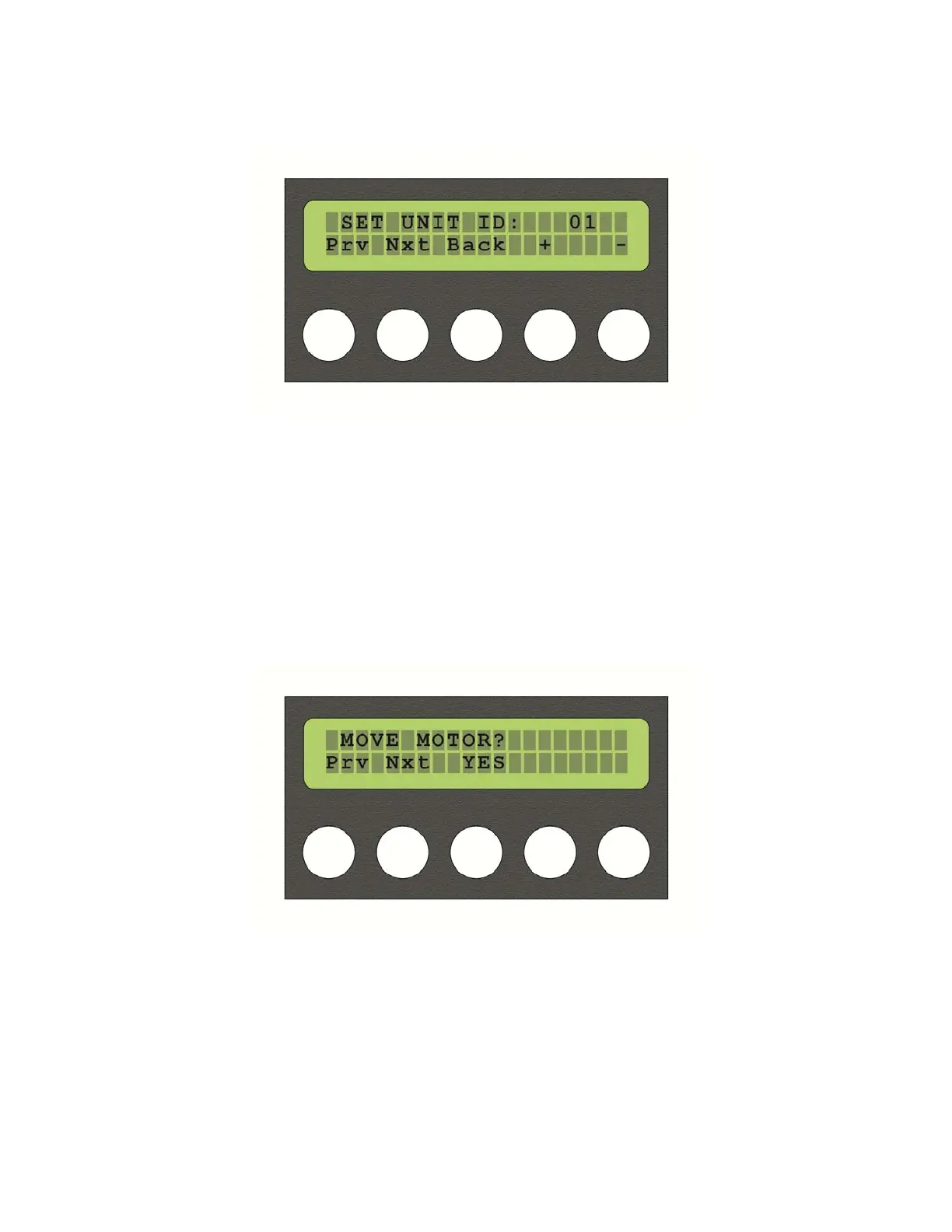
Oncethedesiredvalueisset,usebutton3,whichmapsto“BACK”inthedisplay,toreturnto
operation.
Selecting“Nxt”fromthe“SETID”menuwilltakeyoutothe“MOVEMOTOR?”menu.Pressing
button3,whichisnowmappedto“YES”,willtakeyoutothemotorcontrolmenu.Usebuttons
1and2toselectthedesiredmotor,andbuttons4and5toinputthedesiredvalueforthat
motor.
Whenyouarefinished,pressbutton3“BACK”toreturntothepreviousmenu.Thenpress
button2“Nxt”toproceedtothenextmenu.
17



 To Next Page