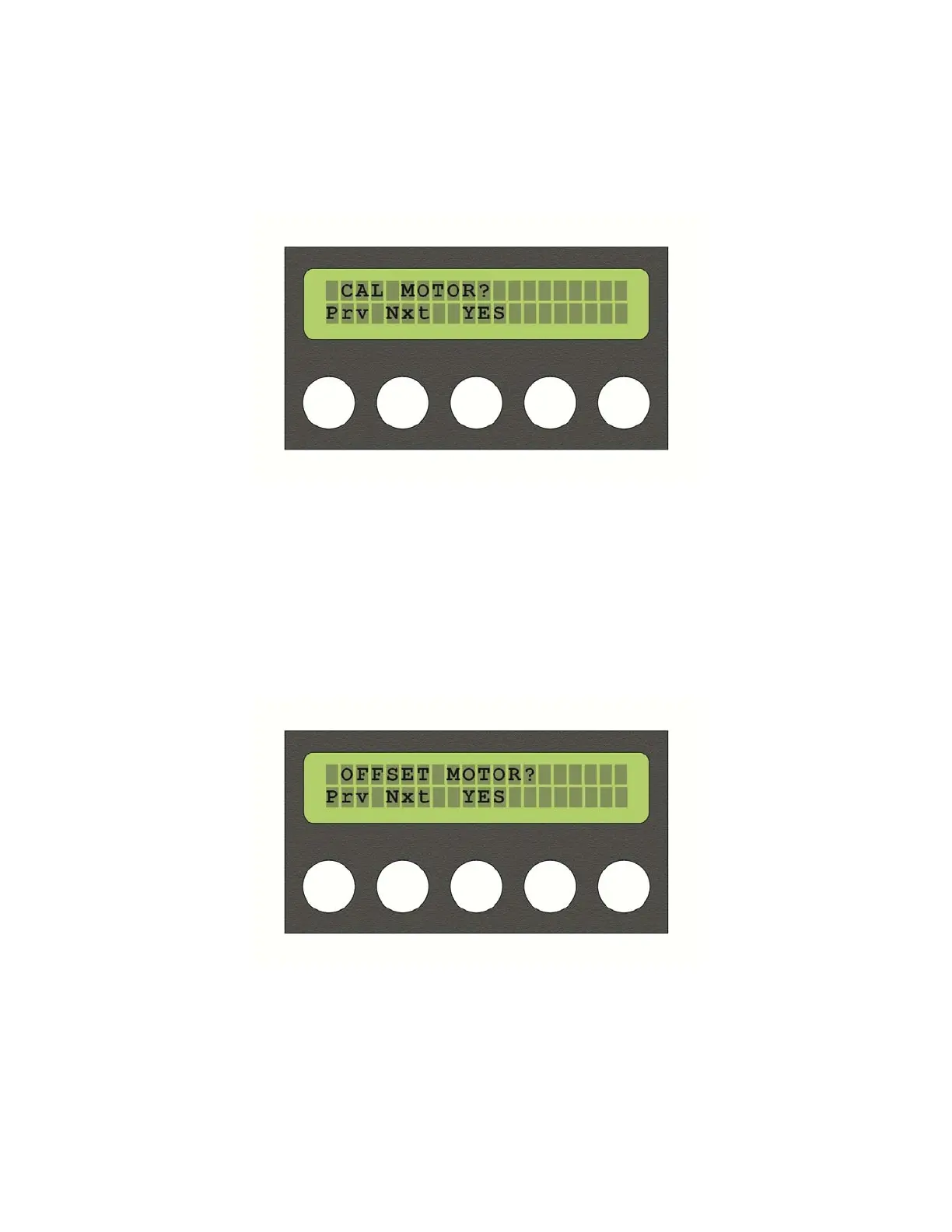
Thenextmenuisthe“CALMOTOR?”menu.Pressingbutton3,whichisnowmappedto“YES”,
willtakeyoutothemenu.Usebuttons1and2toselectthemotortobecalibrated,button4
“GO”tocalibrateandbutton3“BACK”toreturntothepreviousmenu.
Selecting“Nxt”bypressingbutton3takesyoutothe“OFFSETMOTOR?”menu.Thismenu
allowsadjustmentofbeam,panandtiltforprecisealignment.Againpressingbutton3“Yes”
willtakeyouintothemenu.Thetoplinewilldisplaytheparameterbeingadjustedandthe
percentageofoffset.Buttons1and2areusedtoscrollbetweenbeam,panandtilt.Buttons
4(+)and5(‐)willadjusttheoffset.Oncetheadjustmentsarecompleted,usebutton3“BACK”
toreturntothepreviousmenu.
Selecting“Nxt”againwilltakeyoutothe“LOOKENCODERS?”menu.Selectbutton3“YES”to
enterthemenu.Thismenuprovidedalistingofeachencoderanditscurrentnumericalvalue
andcanbeusedtoverifyfeedbackfromeachencoder.Thismenuactsasamonitorofencoder
functionandnoinputoradjustmen
tispossible.Allmotorsaredisengaged.Youcanmanually
18



 To Next Page