9 Chapter 2: Hardware Setup
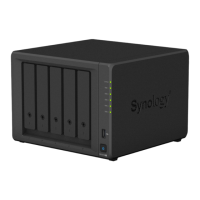
Start Up Your DiskStation
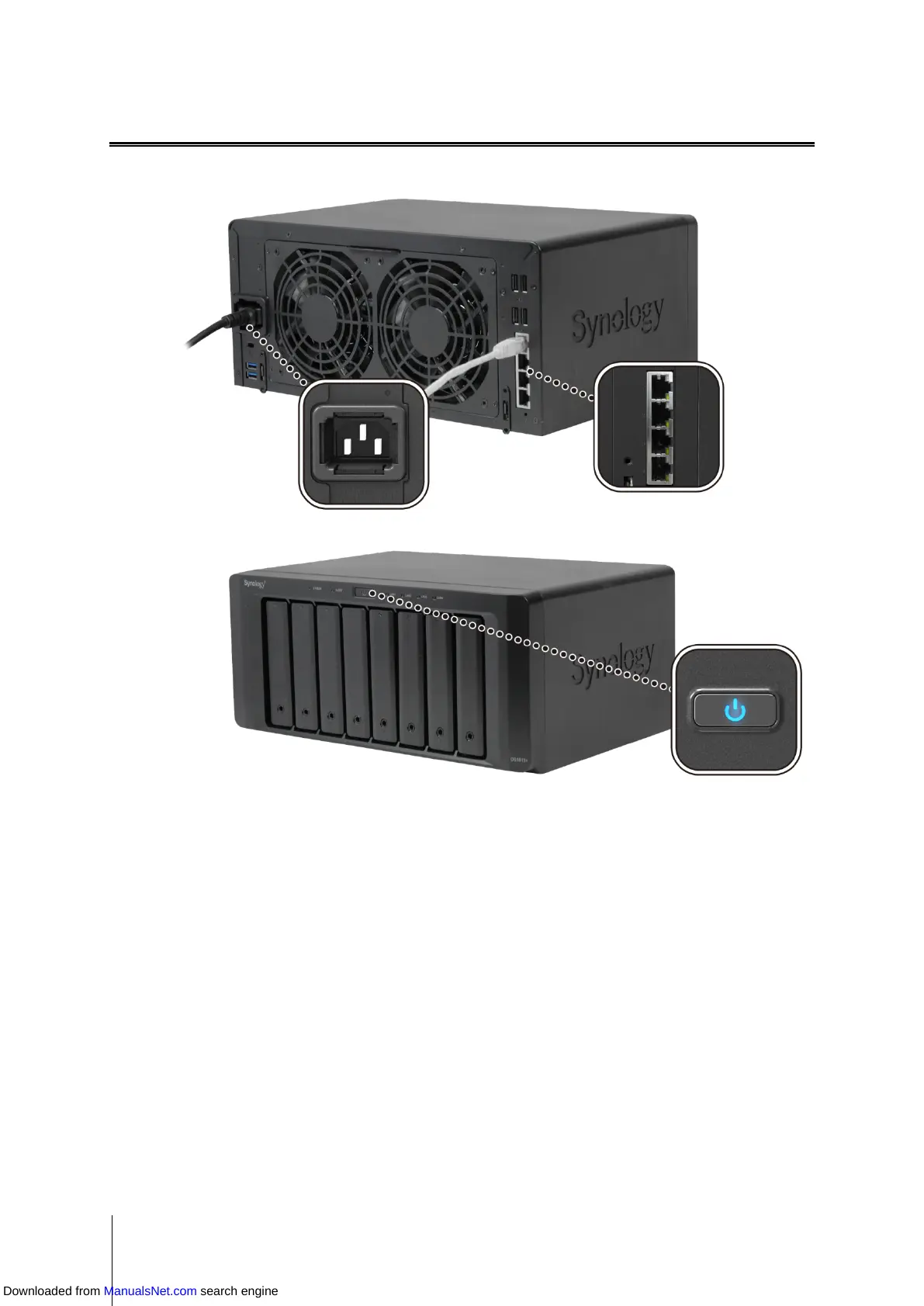
1 Use the LAN cable to connect DiskStation to your switch/router/hub.
2 Connect one end of the power cord to the power port of your DiskStation, and the other to the power outlet.
3 Press and hold the power button to turn on your DiskStation.
Your DiskStation is now online and detectable from a network computer.
Downloaded from ManualsNet.com search engine








 To Next Page