8
Chapter2:HardwareSetup
7
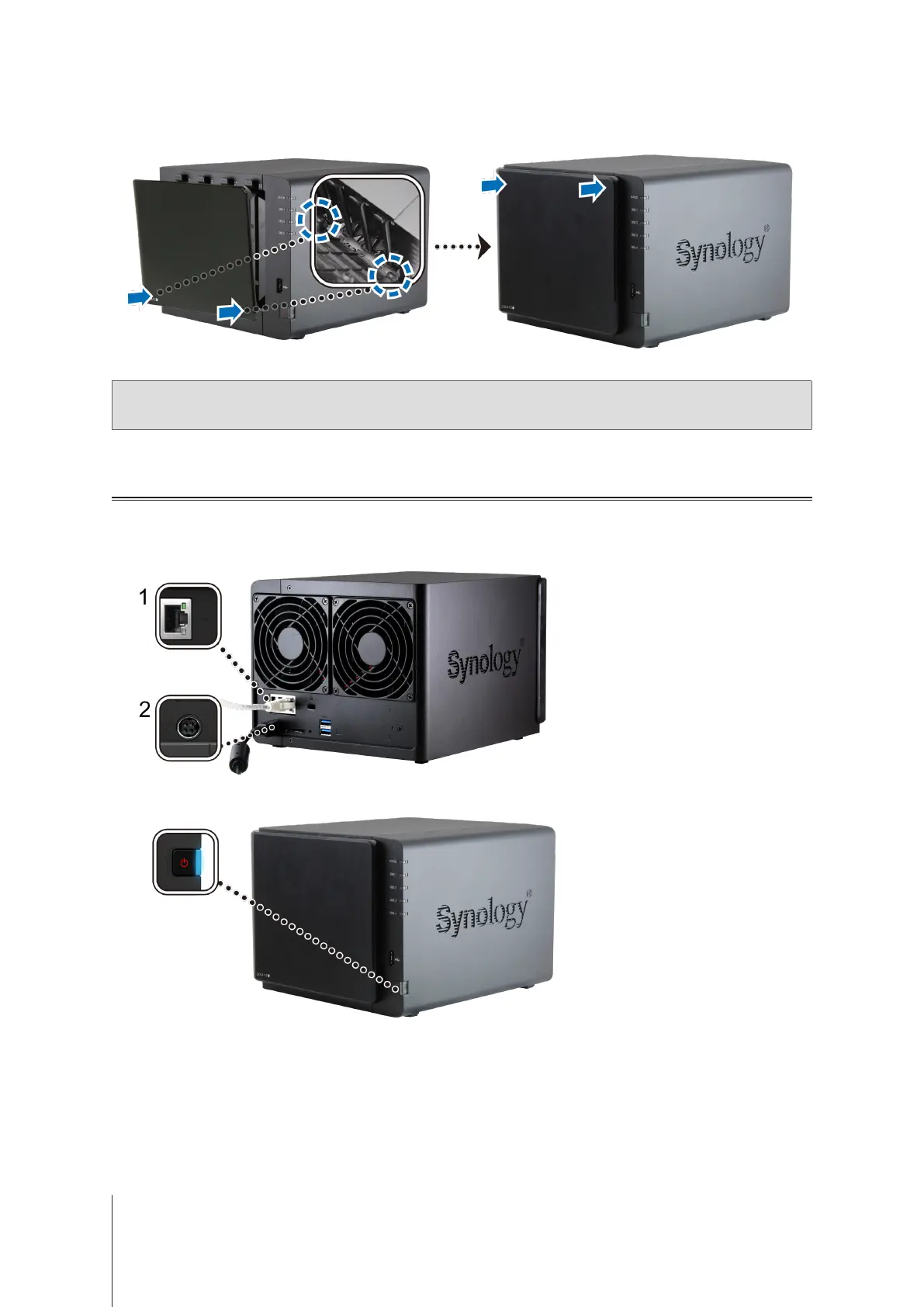
Securethedrivebaycovertothefrontoftheunit.
Note:
IfyouwanttocreateaRAIDvolume,werecommendedthatallinstalleddrivesareofthesamesizetomakethe
bestuseofdrivecapacity.
Start Up Your DiskStation
1
UsetheLANcabletoconnecttheDiskStationtoyourswitch,router,orhub.
2
ConnecttheACadaptertothepowerportoftheDiskStation.ConnectoneendoftheACpowercordtotheAC
poweradapter,andtheothertothepoweroutlet.
3
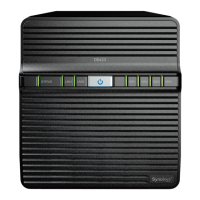
Pressthepowerbutton.
Congratulations!YourDiskStationisnowonlineanddetectablefromanetworkcomputer.







 To Next Page