technical reference
SYNRAD FH Series Flyer Operator’s Manual Version 3.4
147
When FASI is enabled, IN3 must be active before Flyer sends PWM Command signals to the laser. If the
FASI feature is enabled but IN3 is inactive (no current ow), then no marking will occur. In FASI mode,
even manual ring of the laser using the Test Mark pushbutton requires an active input signal on IN3.
Note: Flyer’s Status LED turns red and blinks rapidly if FASI is enabled and marking is commanded, but
IN3 is not active.
Table 6-21 Factory DIP switch assignments
DIP SW # SW # Default Setting Notes
SW1 1 OFF Switch ON to enable FASI
SW1 2 OFF must remain OFF
SW1 3 OFF must remain OFF
SW1 4 OFF must remain OFF
SW2 1 ON must remain ON
SW2 2 OFF
SW2 3 OFF
SW2 4 OFF must remain OFF
Flyer web interface
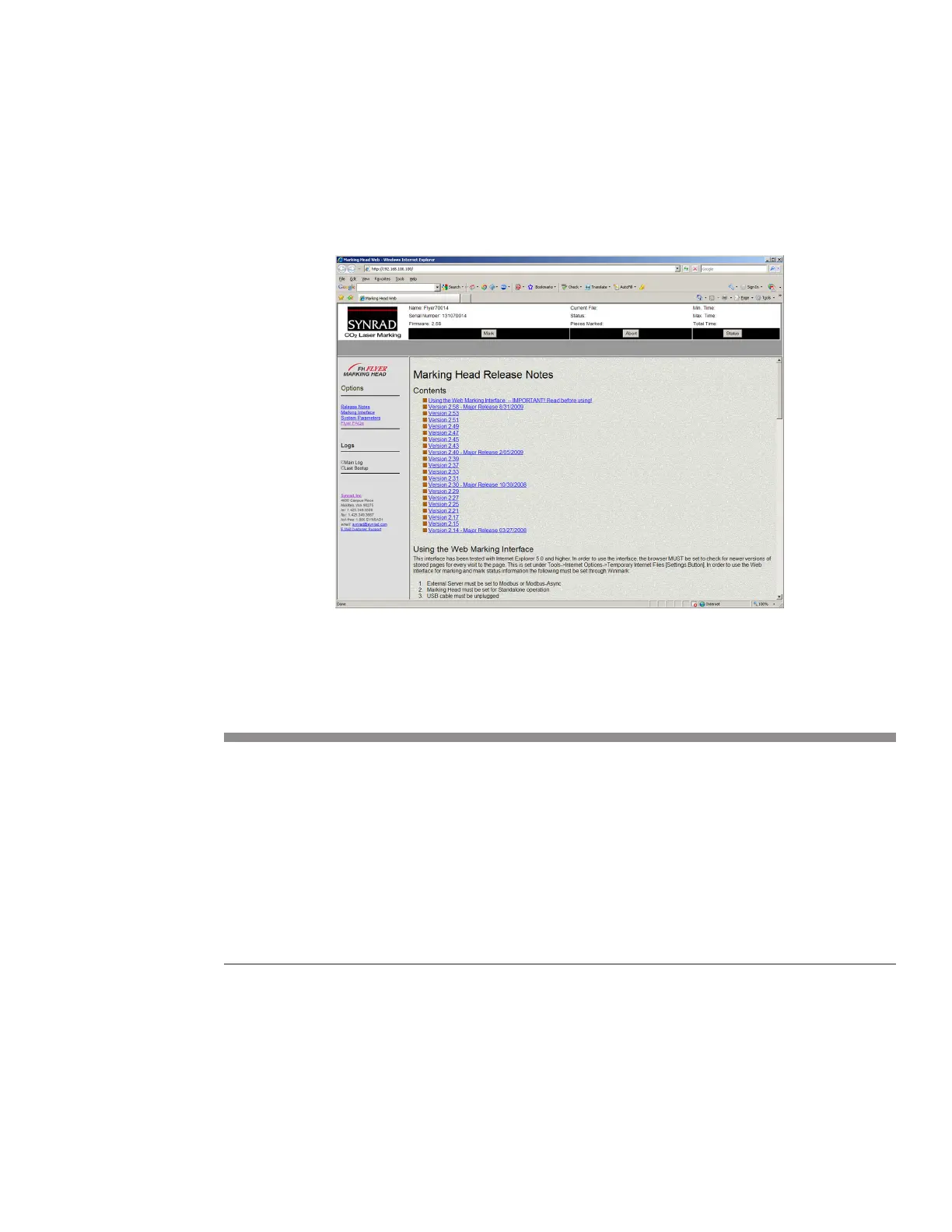
FH Flyer marking heads oer a web-based Internet interface that allows you to access read-only informa-
tion including log files, firmware release notes, and head configuration data using a standard web
browser as shown in Figure 6-16.
Figure 6-16 Flyer’s Internet interface page



 To Next Page