MAINTENANCE AND SUPPLIES REPLACEMENT
Sysmex KX-21 Operator’s Manual -- Revised October 1998 4-13
(1) Press [1] key to select "1: Exec. Clean" on Scheduled Maintenance Message screen.
Fluid in the transducer is drained and the Clean Transducer screen appears.
*
Clean Transducer
*
Pour CELLCLEAN in transducer chamber
and press START switch.
It will take approx. 7 minutes.
Cycle No. after cleaning. 2567
Date last serviced 31/12/97
3:Cancel
Ready
Figure 4-5-6: Clean Transducer Screen
NOTE: • When you press [3] key and select "3: Cancel," the start-up process
continues without cleaning the transducer. Until the transducer is
cleaned, the above message is displayed at start-up.
(2) Open the front cover of the main unit.
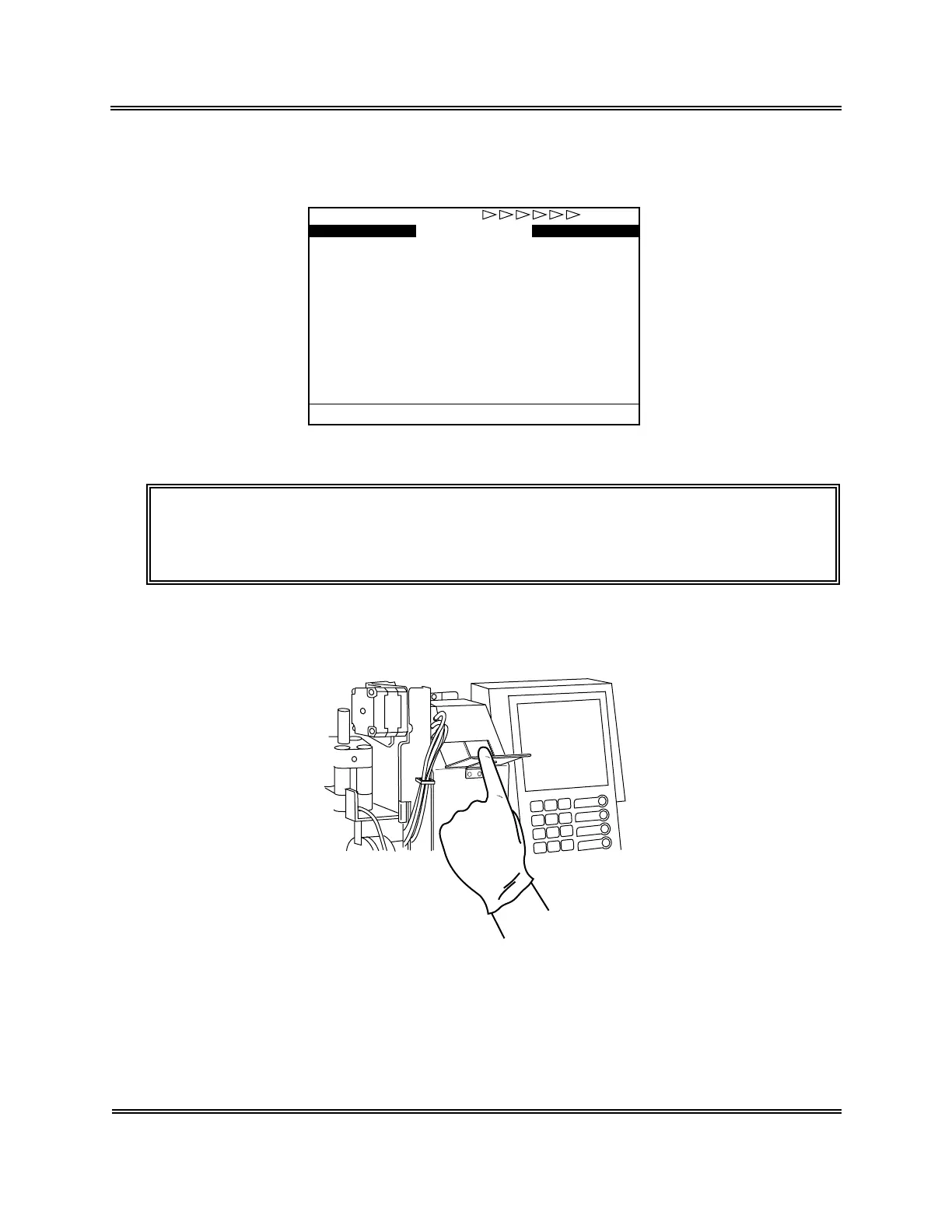
(3) Open the transducer cover.
Figure 4-5-7: Opening the Transducer Cover



 To Next Page