MAINTENANCE AND SUPPLIES REPLACEMENT
Sysmex KX-21 Operator’s Manual -- Revised October 1998 4-39
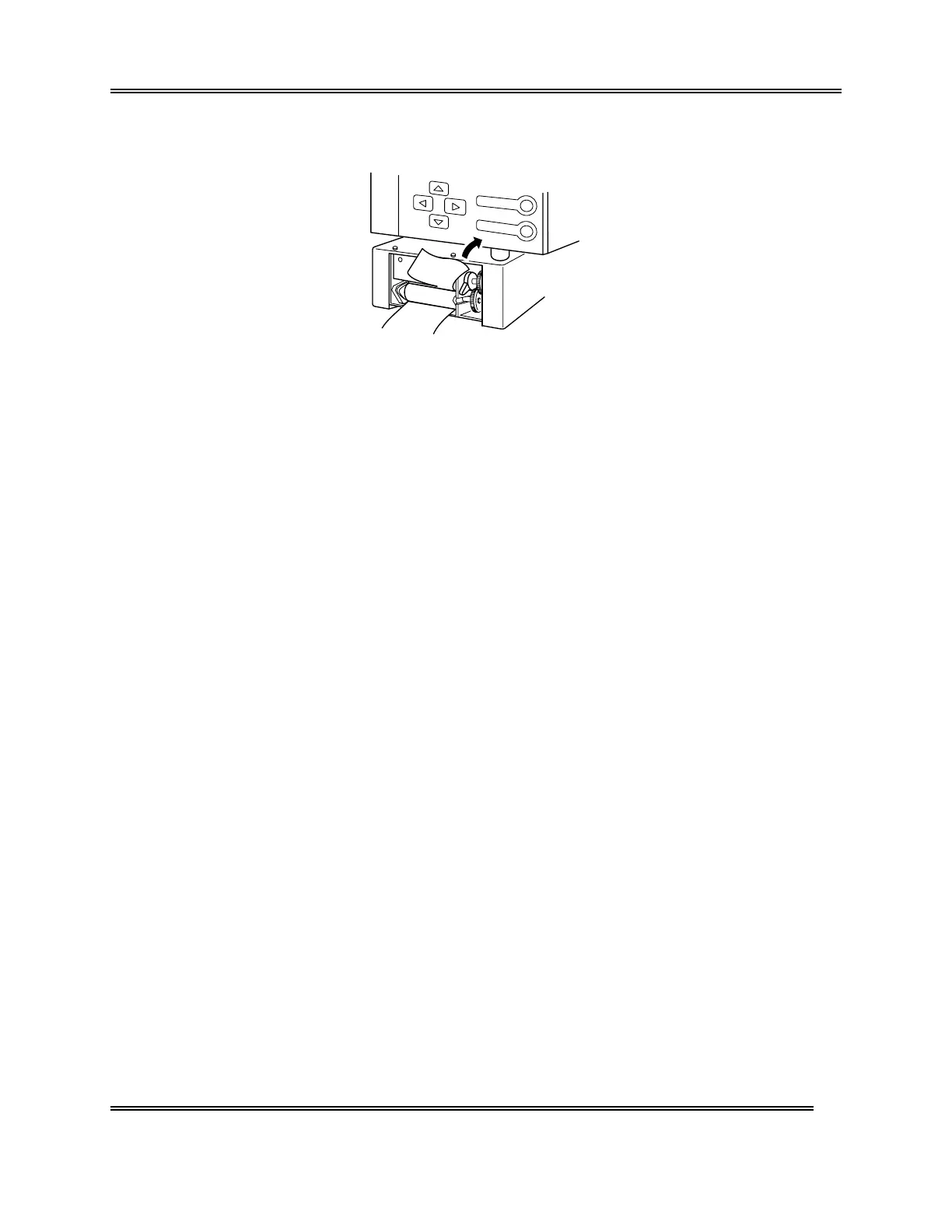
(5) Cut off any printer paper extending from the upper part of the printer.
Figure 4-8-7: Cutting Off Paper
(6) Close the front cover of the main unit.
(7) Press [1] key and output any print data that is remaining on the memory.



 To Next Page