MAINTENANCE AND SUPPLIES REPLACEMENT
4-38 Sysmex KX-21 Operator’s Manual -- Revised October 1998
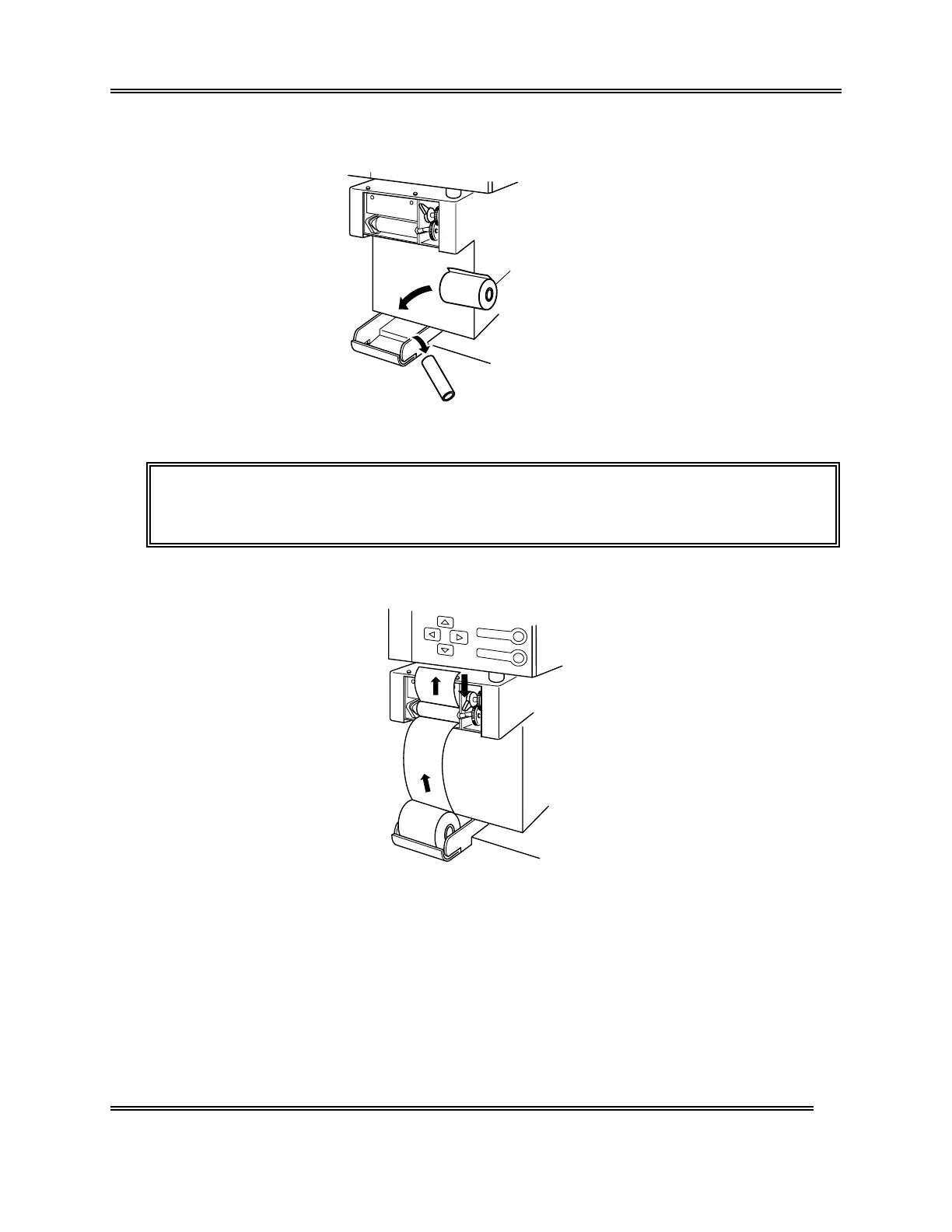
(3) Remove the bare paper core and mount a new printer paper.
New Printer Paper
Figure 4-8-5: Mounting a New Printer Paper
NOTE: • When any printer paper remains, remove it together with the paper
core.
(4) Pass the printer paper as shown below, and turn the release lever down to secure.
Figure 4-8-6: Securing the Release Lever



 To Next Page