MAINTENANCE AND SUPPLIES REPLACEMENT
Sysmex KX-21 Operator’s Manual -- Revised October 1998 4-41
9. CONFIRMATION OF CYCLE NUMBER
To let you know when to perform maintenance, this unit has the functions of cycle No.
display and automatic reset. As to the waste chamber, transducer, and sample rotor valve
(SRV), the next maintenance period is informed in accordance with the operation cycle No.
or date, whichever comes first.
Cleaning of waste chamber Every 2500 cycles or every month
Cleaning of transducer Every 2500 cycles or every month
Cleaning of sample rotor valve (SRV) Every 7500 cycles or every 3 months
Table 4-9-1: Maintenance Timing
Current cycle No. of each item can be checked by the following procedure:
9.1 Operation Procedure
(1) Press [SELECT] key in the Ready status. The Select Menu screen appears.
(2) Using [ ] key or [ ] key, move the cursor to select "7: Maintenance."
(3) Press [ENTER] key. The Maintenance Menu screen appears.
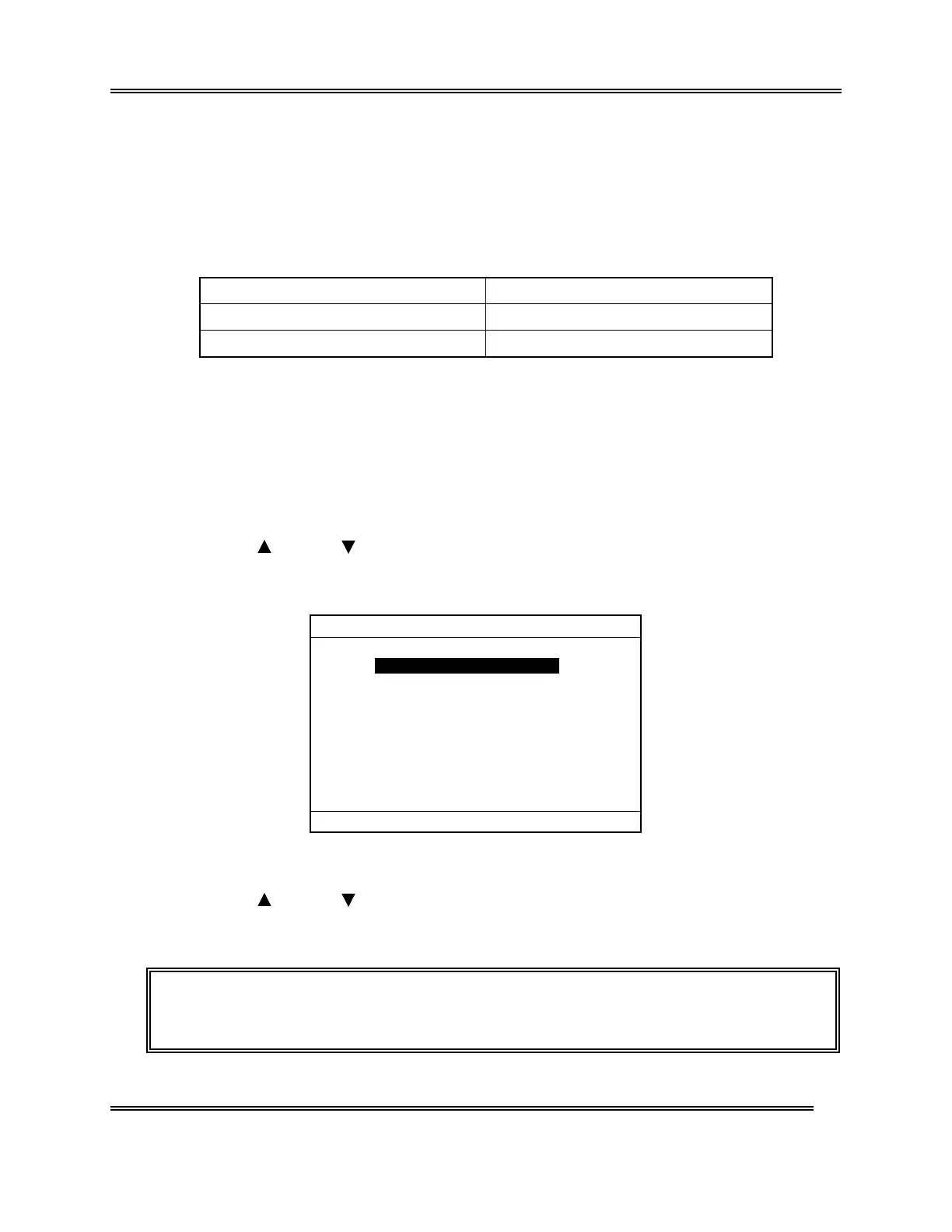
*
Maintenance
*
1:Clean W.Chamber
2:Clean Transducer
3:Reset SRV Counter
4:Drain TD Chamber
5:Status Display
Figure 4-9-1: Maintenance Menu Screen
(4) Using [ ] key or [ ] key, move the cursor to select "5: Status Display."
(5) Press [ENTER] key. The Status Display screen 1 appears.
NOTE: • On the Menu screen, each menu can be selected directly by entering a
numeral from the numeric keys.



 To Next Page