MAINTENANCE AND SUPPLIES REPLACEMENT
4-42 Sysmex KX-21 Operator’s Manual -- Revised October 1998
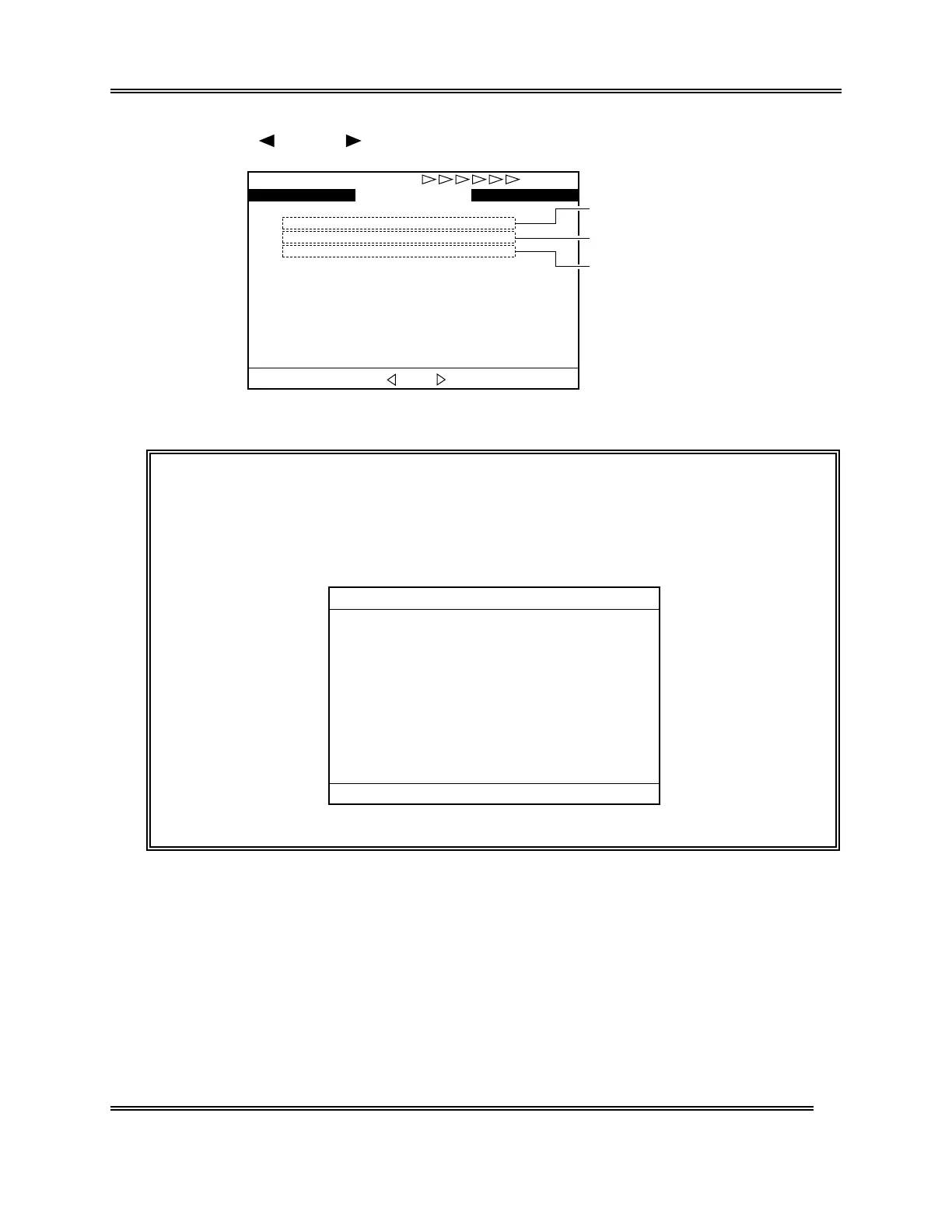
(6) Using [ ] key or [ ] key, turn over the page to display the Status Display screen 2.
COUNTER 1234567
SRV 7567
DETECTOR 2567
WASTE CHAMBER 2567
WB
Ready
*
Status
*
Cycle No. after cleaning waste chamber
Cycle No. after cleaning transducer
Cycle No. after cleaning SRV
Change screen with [ ] or [ ].
Figure 4-9-2: Status Display Screen 2
NOTE: • Cycle number is the number of operations after the last maintenance.
• When the power is turn-on and the counter exceeds the predetermined
cycle number (or number of days), the message instructing the
maintenance is displayed on the screen. At this time, the cycle number
and the date of the last service are displayed.
*
Scheduled Maint.
*
1:Exec.Clean
3:Cancel
Clean the Waste Chamber.
It will take approx. 15 minutes.
Cycle No. after cleaning. 2567
Date last serviced 31/12/97
Figure 4-9-3: Scheduled Maintenance Message Screen



 To Next Page