QUALITY CONTROL
Sysmex KX-21 Operator’s Manual -- Revised October 1998 5-5
2.2 Execute QC Program
(1) Press [SELECT] key in the Ready status. The Select Menu screen appears.
(2) Using [ ] key or [ ] key, move the cursor to select "2: Quality Control."
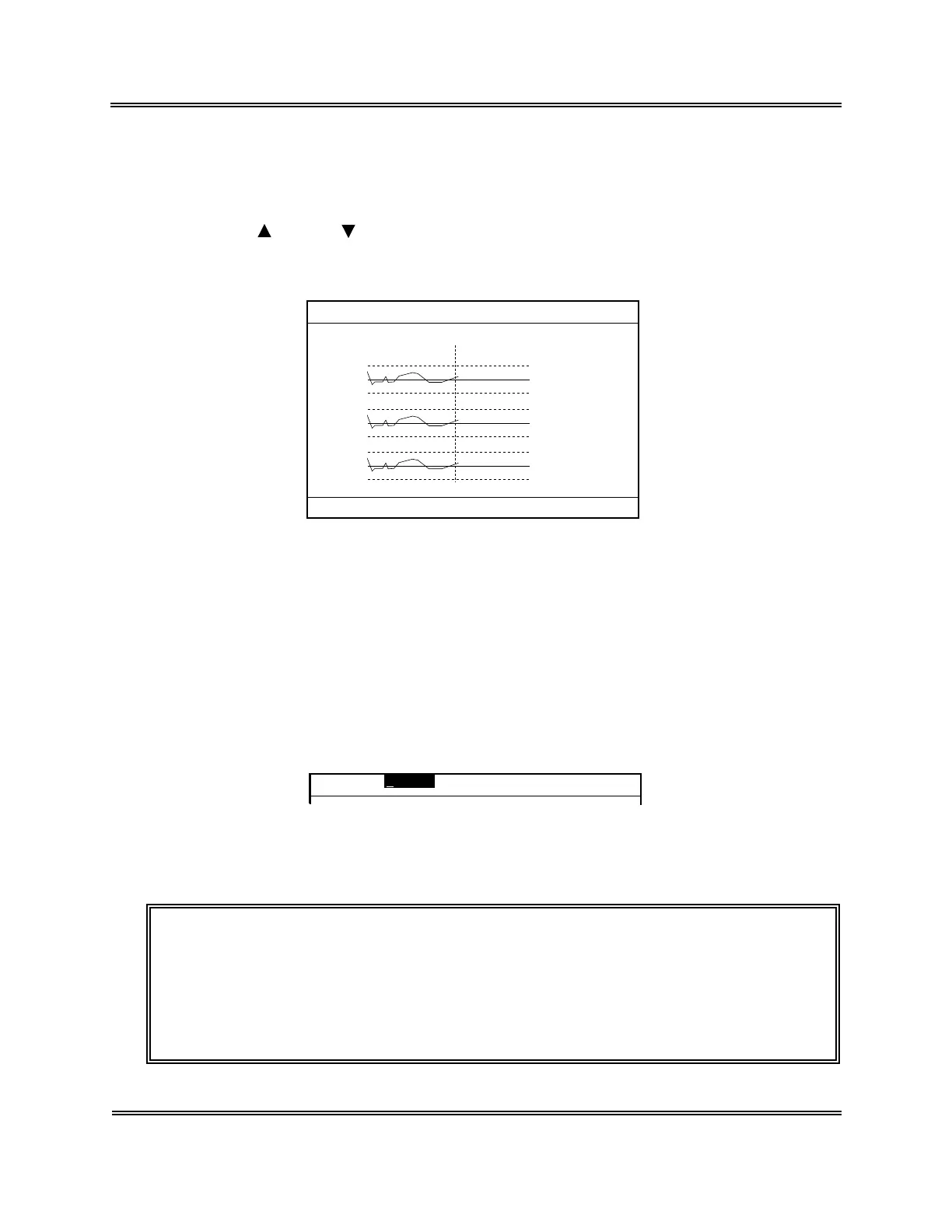
(3) Press [ENTER] key. The QC Chart screen appears.
(N=30) 31/12
UL
WBC
RBC
HGB
LL
UL
LL
UL
LL
LIMIT DATA
(MEAN)
8.1
7.6 7.3
7.1( 7.8)
4.70
4.50 4.52
4.30( 4.55)
15.5
15.0 14.8
14.5( 15.0)
FILE No.1
1:QC Analyze 2:Settings 3:Erase All
Figure 5-2-2: QC Chart Screen
2.3 Select QC File
This instrument stores six QC Files. To execute QC analysis, settings, file erasing, or HC
output, display the QC Chart screen for a desired file as follows.
How to Select QC File
(1) Press [SAMPLE No.] key on the QC Chart screen.
This causes the FILE No. in the system status area to be reverse-displayed and ready
for entry of File No.
FILE No.1
Figure 5-2-3: Entry of File No.
(2) The cursor comes to right of the FILE No. Use the numeric keys to enter a FILE No.
NOTE: • In entering a File No. (in the status of the above screen). Press [C]
key first to clear it and enter a new FILE No.
• Pressing [C] key erases the character and causes the cursor to move
to the left.
• Numerics of 1 - 6 can be entered as a FILE No. Any other numerics
cannot be entered.



 To Next Page