QUALITY CONTROL
5-6 Sysmex KX-21 Operator’s Manual -- Revised October 1998
(3) Press [ENTER] key. The QC Chart screen for the selected QC file appears.
NOTE: • When no FILE No. is present, [ENTER] key is not accepted. When
you attempt to do so, an alarm sounds.
• When you press [SAMPLE No.] key or [SELECT] key in the status of
waiting for FILE No. input, the system cancels change of QC File and
returns to the previous QC Chart screen.
(N=30) 31/12
UL
WBC
RBC
HGB
LL
UL
LL
UL
LL
LIMIT DATA
(MEAN)
8.1
7.6 7.3
7.1( 7.8)
4.70
4.50 4.52
4.30( 4.55)
15.5
15.0 14.8
14.5( 15.0)
FILE No.1
1:QC Analyze 2:Settings 3:Erase All
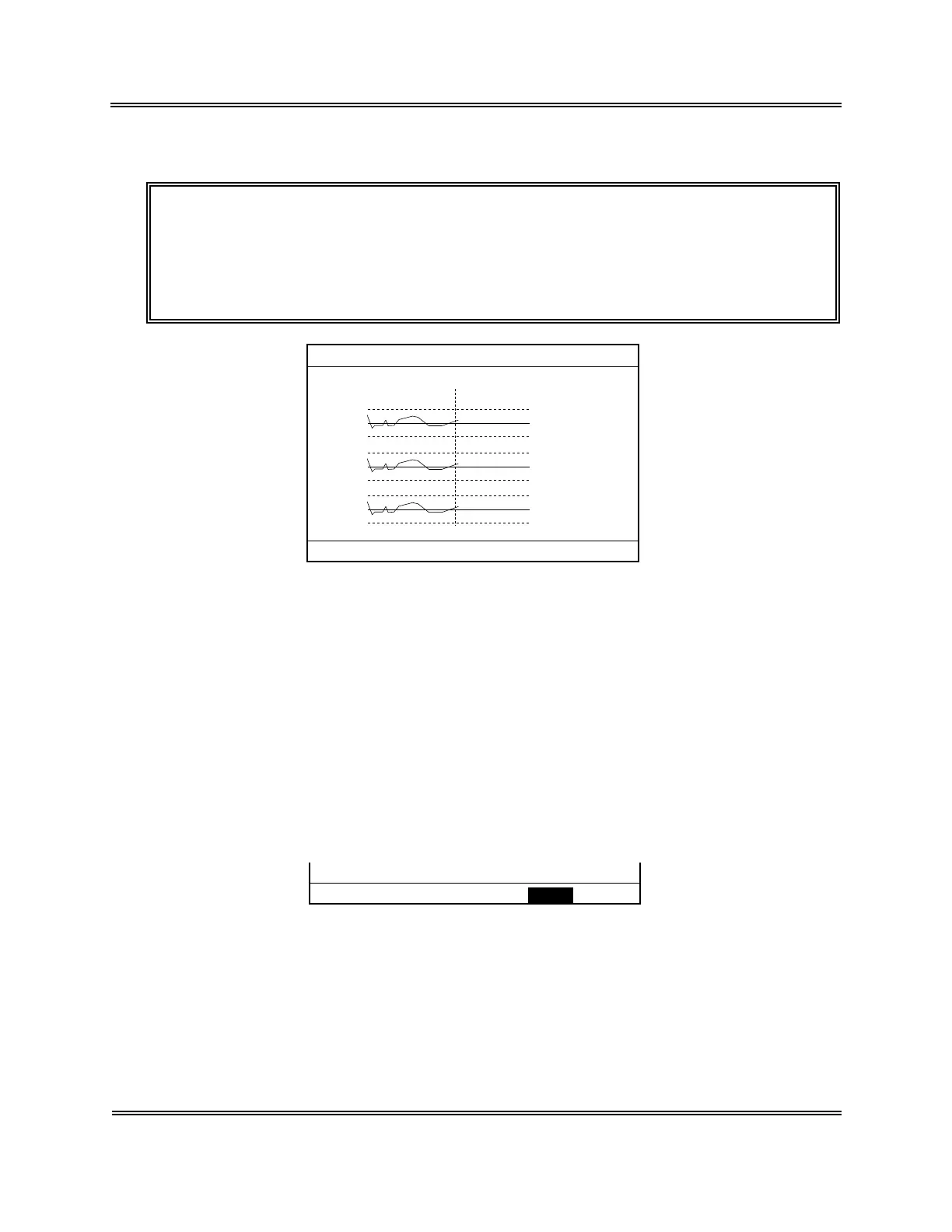
Figure 5-2-4: QC Chart Screen
2.4 Erase All
To start quality control newly, the control data in the QC File has to be erased. When a
control blood lot has changed, use the menu of "3: Erase All" to erase all control data in the
QC File.
How to Erase All QC Data
(1) Display the QC Chart screen for the QC File you want to erase.
For how to select the QC File, refer to Section 2.3: Select QC File in this chapter.
(2) Press [3] key to select "3. Erase All." The Erase All Confirmation message appears.
OK to erase all? Yes No
Figure 5-2-5: Erase All Confirmation Message



 To Next Page