QUALITY CONTROL
Sysmex KX-21 Operator’s Manual -- Revised October 1998 5-7
(3) Using [ ] key or [ ] key, move the cursor to select "Yes" or "No."
[Yes]: Erases the plot display on the QC Chart screen and displays the second Erase
All Confirmation message.
[No]: Cancels the erasing of the plot display on the QC Chart screen and returns to
the QC Chart screen.
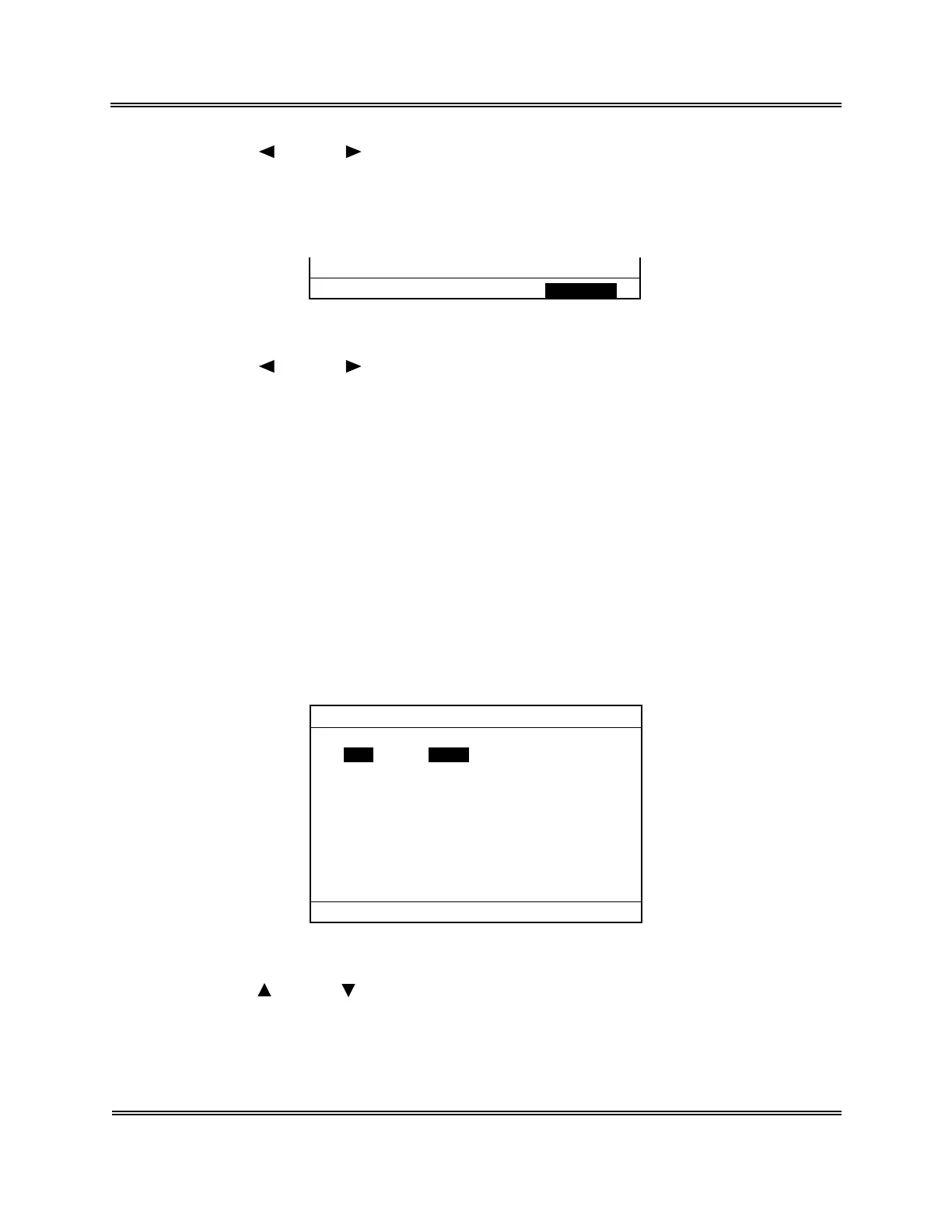
All are erasing. Execute Cancel
Figure 5-2-6: Second Erase All Confirmation Message
(4) Using [ ] key or [ ] key, move the cursor to select "Execute" or "Cancel."
[Execute]: Completely erases QC data and returns to the QC Chart screen.
[Cancel]: Cancels QC data erase and returns to the QC Chart screen.
(5) Press [ENTER] key to execute the selected process.
2.5 Set TARGET/LIMIT Values
Before executing Quality Control anew, you have to set TARGET and LIMIT values for the
QC File using "2: Settings" on the menu.
How to Set QC File
(1) Display the QC Chart screen for the QC File you want to set.
For how to select the QC File, refer to Section 2.3: Select QC File in this chapter.
(2) Press [2] key to select "2: Settings."
The QC File Setting screen appears.
FILE No.1
Press [SELECT] to exit.
TARGET LIMIT
WBC 0.0 0.0 ×10
3
/µL
RBC 0.00 0.00 ×10
6
/µL
HGB 0.0 0.0 g/dL
HCT 0.0 0.0 %
MCV 0.0 0.0 fL
MCH 0.0 0.0 pg
MCHC 0.0 0.0 g/dL
PLT 0 0 ×10
3
/µL
Figure 5-2-7: QC File Setting Screen
(3) Using [ ] key or [ ] key, move the cursor to select control parameters. Eight
parameters can be set.



 To Next Page