QUALITY CONTROL
5-8 Sysmex KX-21 Operator’s Manual -- Revised October 1998
(4) Using [ ] key or [ ] key, move the cursor to select "TARGET" or "LIMIT."
(5) Enter the set values using the numeric keys.
NOTE: • As a set value, up to five digits including decimal point can be entered.
• The decimal point position is linked to the Unit System established in
System Setup. For detail, refer to
Chapter 10: INSTRUMENT
SETTING, Section 2: System Setup
.
• Each time you press [C] key in the middle of entering, one character
disappears and the cursor moves to the left.
(6) Press [ENTER] key.
The contents of settings are set and the cursor moves to the next item.
NOTE: • The contents of settings are also set when [ ] key, [ ] key, [ ] key,
or [
] key is pressed after entering.
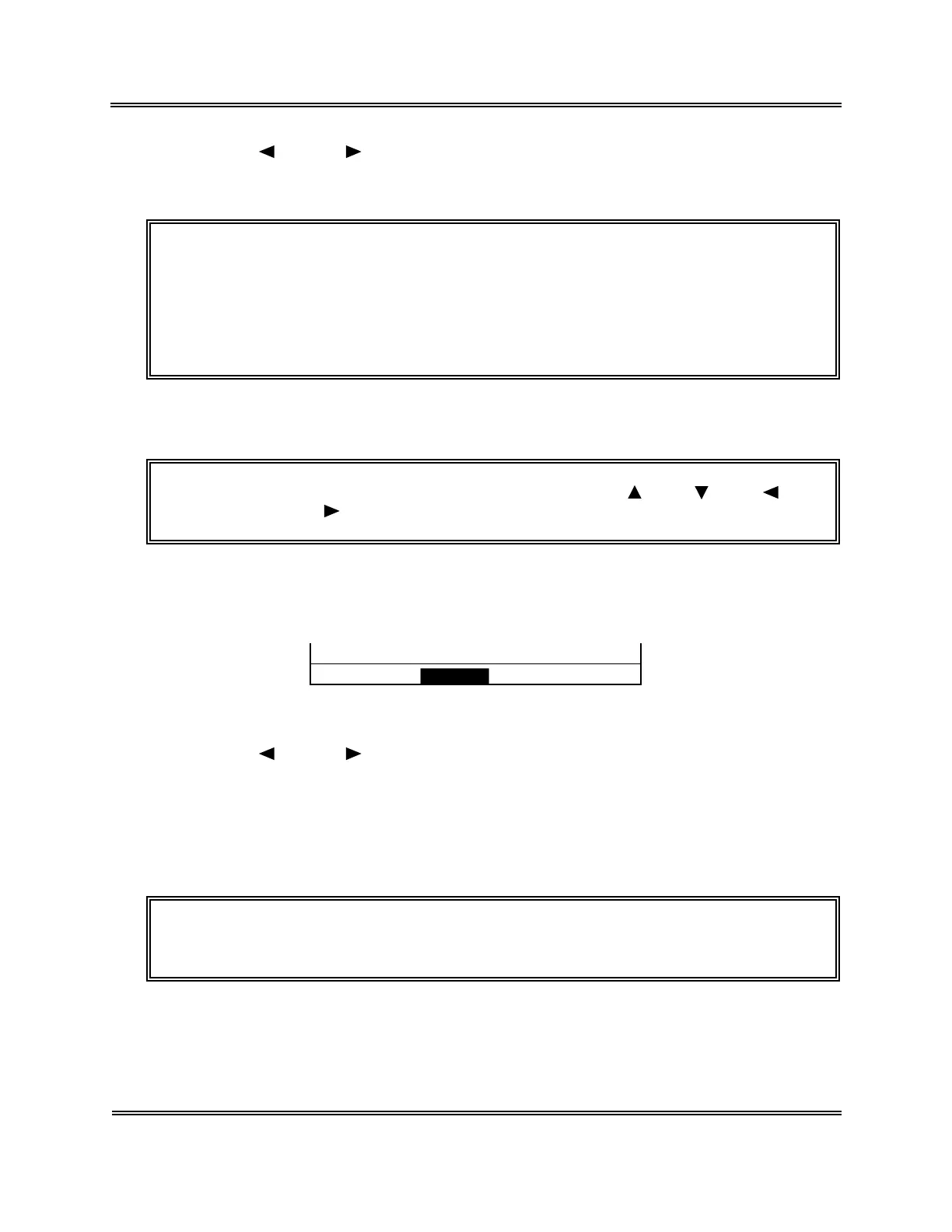
(7) When settings are completed, press [SELECT] key. The Setting Confirmation
message appears.
OK to set? Cont. Set Cancel
Figure 5-2-8: Setting Confirmation Message
(8) Using [
] key or [ ] key, move the cursor to select "Cont.," "Set," or "Cancel."
[Cont.]: Returns to the QC File Setting screen. And the setting operation can be
continued.
[Set]: Updates the settings and returns to the QC Chart screen.
[Cancel]: Cancels the changed settings and returns to the QC Chart screen.
(9) Press [ENTER] key to execute the selected process.
NOTE: • QC chart will be drawn only if the TARGET and LIMIT values are both
entered appropriately.



 To Next Page