QUALITY CONTROL
Sysmex KX-21 Operator’s Manual -- Revised October 1998 5-9
2.6 Execute
X
Control
The
X
control method for analyzing control blood is described here.
(1) Display the QC Chart screen for the QC File in which to enter QC data. For how to
select the QC File, refer to Chapter 2.3: Select QC File in this chapter.
NOTE: • QC analysis is executed by control method (
X
control or L-J control)
set in QC Settings. For setting procedures, refer to
Chapter 10,
Section 5: QC Settings
.
• While the
X
Control Analysis screen is displayed, the QC File cannot
be changed.
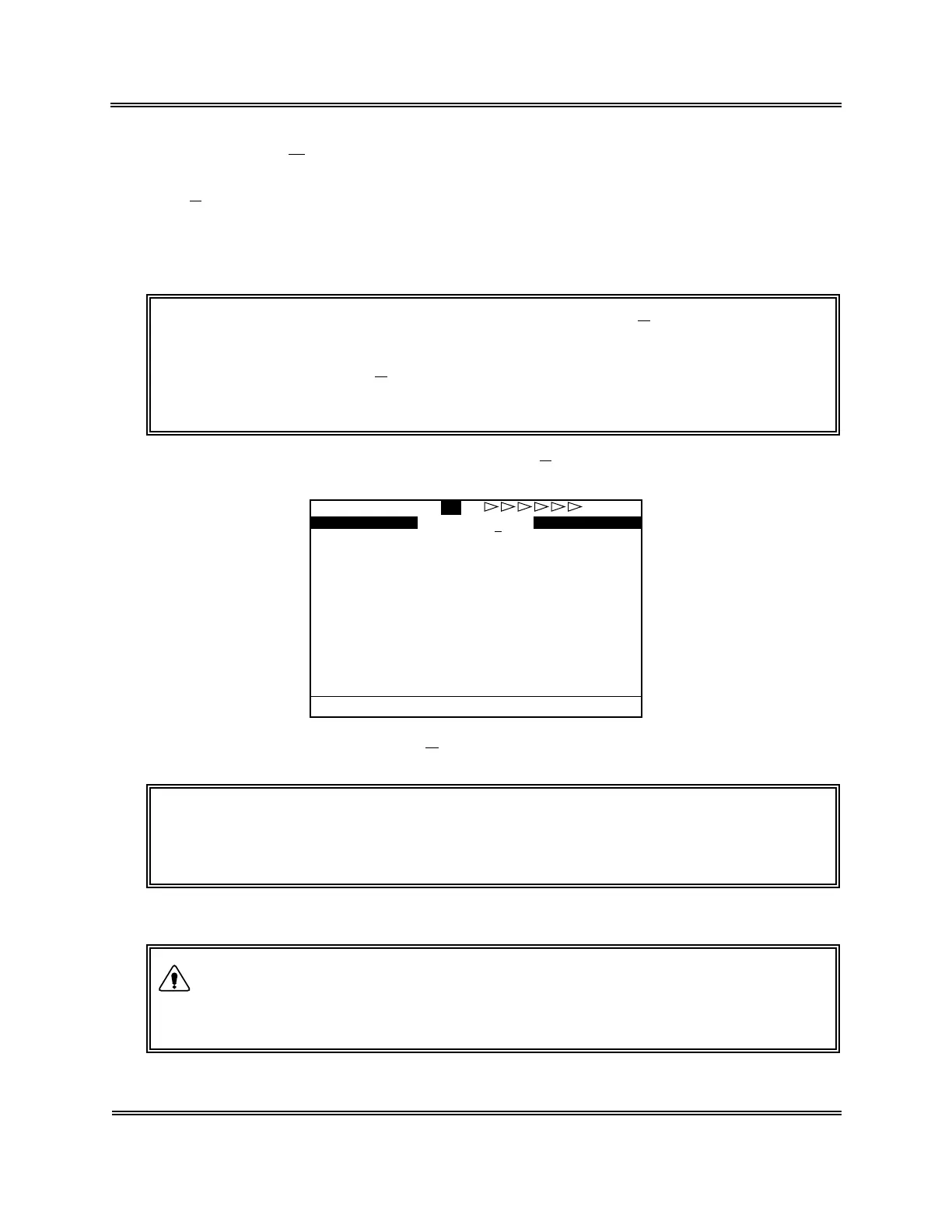
(2) Press [1] key to select "1: QC Analyze." The
X
Control Analysis screen appears.
FILE No.1 QC
X1 X2 X Judgement
WBC
RBC
HGB
HCT
MCV
MCH
MCHC
PLT
Ready
Figure 5-2-9:
X
Control Analysis Screen
NOTE: • QC analysis is made in the whole blood mode. When the pre-diluted
mode is selected as analysis mode, the Mode Change Sequence is
activated to change over to the whole blood mode.
(3) Confirm that "Ready" is displayed for QC analysis.
• In analyzing control blood, always wear rubber gloves. After
completion of work, wash the hands with disinfectant. If your hands
are contaminated by blood, etc., infection of pathogenic bacteria can
occur.
WARNING



 To Next Page