QUALITY CONTROL
5-14 Sysmex KX-21 Operator’s Manual -- Revised October 1998
(9) Set the data using [1] key or [2] key.
[1: OK]: Accepts analysis result as the 1st time QC data. And the system turns to be
ready for the 2nd analysis.
[2: NG]: Cancels the 1st time analysis result. And the system remains to be ready for
another 1st time analysis.
CAUTION: • When an error occurs during QC analysis, error message is displayed
in the system status area.
Analysis data in which error occurred is masked, which cannot be
accepted as QC data. When you press [1] key to select "1: OK" in
response to the data confirmation screen, the alarm sounds and "1: OK"
is unacceptable.
Press [HELP] key and perform the error recovery process. For the error
recovery process, refer to
Chapter 7: TROUBLESHOOTING
.
When you press [SELECT] key before setting the 1st QC data, the QC Cancel
Confirmation message is displayed.
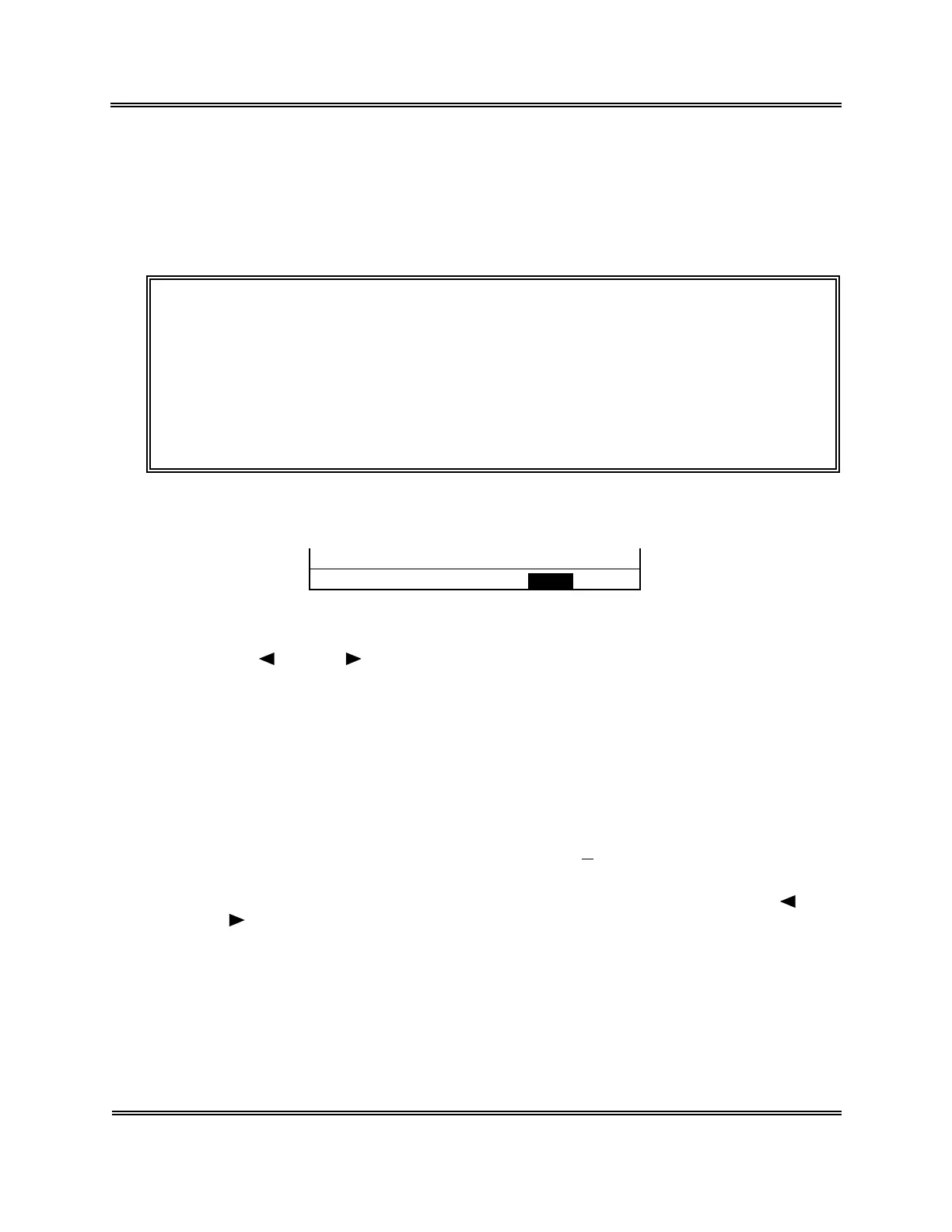
OK to cancel? Yes No
Figure 5-2-19: QC Cancel Confirmation Message
Using [
] key or [ ] key, move the cursor to select "Yes" or "No."
[Yes]: Rejects analysis result, exits from QC program, and returns to the Analysis
screen.
[No]: Returns to the QC Analysis screen and allows continuous QC analysis.
Press [ENTER] key to execute the selected process.
(10) When the 1st analysis data is accepted, the (3) - (7) procedure is repeated for the 2nd
analysis.
(11) The 2nd analysis result is displayed under "X2" on the Analysis Result screen, the
mean values of the 1st and the 2nd analyses under "
X
," and the comparison result with
control limits under the "Judgment" column.
The Analysis Result screen, as in the 1st analysis, can be changed over using [ ] key
or [ ] key.
The data confirmation message is displayed and you are asked to decide whether or not
to accept the analysis result as QC data.



 To Next Page