QUALITY CONTROL
Sysmex KX-21 Operator’s Manual -- Revised October 1998 5-15
Accept Data?
1:OK 2:NG 3:Print
FILE No.1 QC
X1 X2 X Judgement
WBC 7.3 7.5 7.4
RBC 4.52 4.49 4.51
HGB 14.8 14.7 14.8
HCT 36.2 35.6 35.9
MCV 80.1 79.3 79.7
MCH 32.7 32.7 32.7
MCHC 40.9 41.3 41.1
PLT 206 209 208
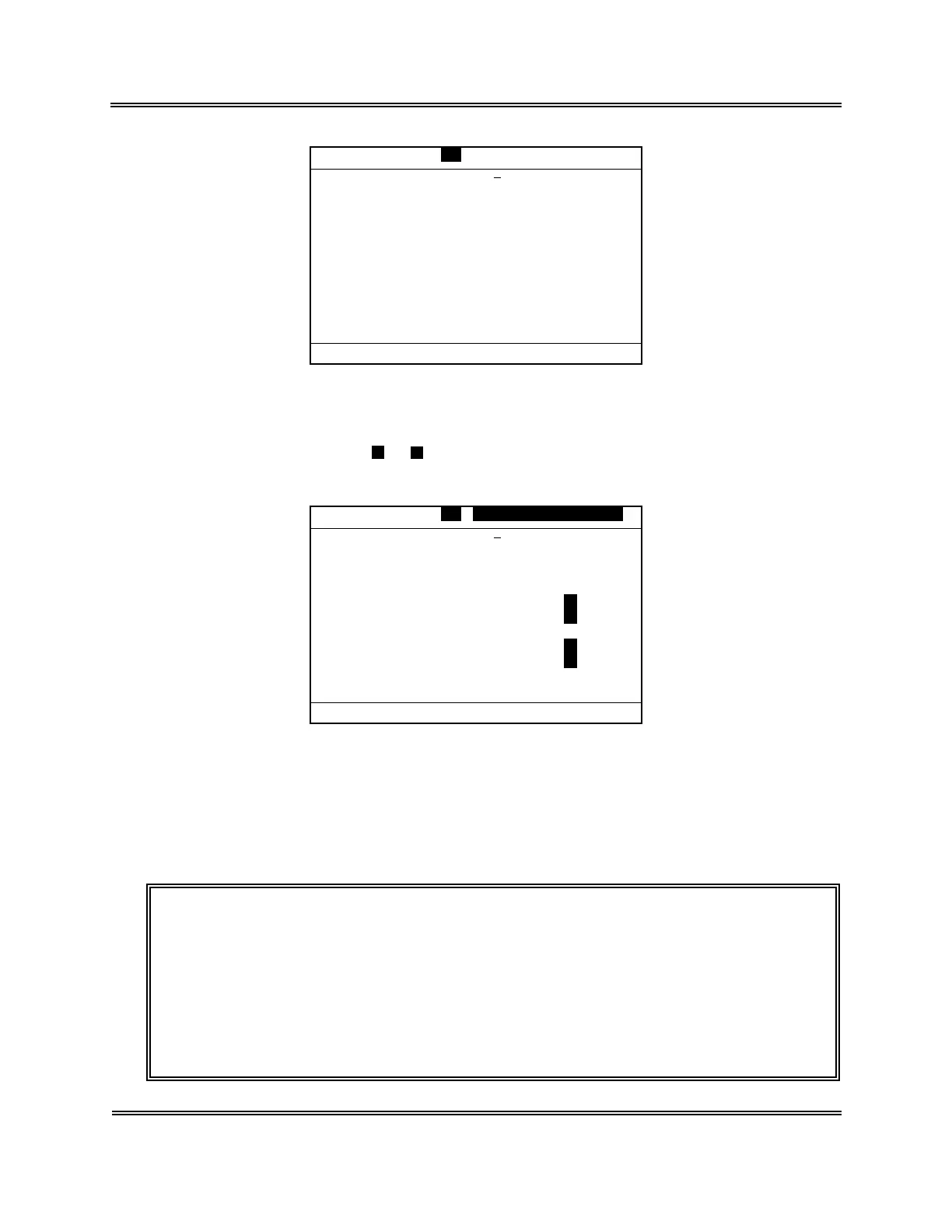
Figure 5-2-20: Analysis Result Screen
A parameters in which the mean of the 1st and the 2nd analyses fell outside the control
limits is indicated with
+
or
−
under the "Judgment" column, while the alarm sounds
and the QC error message appears.
X1 X2 X Judgement
WBC 7.3 7.5 7.4
RBC 4.52 4.49 4.51
HGB 14.8 14.7 14.8
HCT 42.5 43.0 42.8 +
MCV 94.0 95.8 94.9 +
MCH 32.7 32.7 32.7
MCHC 34.8 34.1 34.5 -
PLT 106 109 108 -
FILE No.1 QC QC Error
Accept Data?
1:OK 2:NG 3:Print
Figure 5-2-21: QC Error Message Screen
(12) Set the data using [1] key or [2] key.
[1: OK]: QC data is accepted and the plot is entered to the QC Chart. This QC data
(mean) is kept in the stored data also.
[2: NG]: Cancels the 2nd analysis result. And the system remains to be ready for the
2nd analysis again.
CAUTION: • When an error occurs during QC analysis, the error message appears
in the system status area. The analysis data in which the error
occurred is masked, which does not undergo mean calculation or
judgment, and is not accepted as QC data.
When you press [1] key to select "1: OK," in response to the data
confirmation screen, the alarm sounds and "1: OK" cannot be accepted.
Press [HELP] key and perform the error recovery process. For the error
recovery process, refer to
Chapter 7: TROUBLESHOOTING
.



 To Next Page