QUALITY CONTROL
5-22 Sysmex KX-21 Operator’s Manual -- Revised October 1998
As to those parameters whose analysis fell beyond control limits,
+
or
−
is displayed
under the "Judgment" column, while the alarm sounds with the QC error message
displayed.
Accept Data?
1:OK 2:NG 3:Print
Data
Judgement
WBC 7.5
RBC 4.49
HGB 14.7
HCT 43.0 +
MCV 95.6 +
MCH 32.7
MCHC 34.1 -
PLT 109 -
FILE No.1 QC QC Error
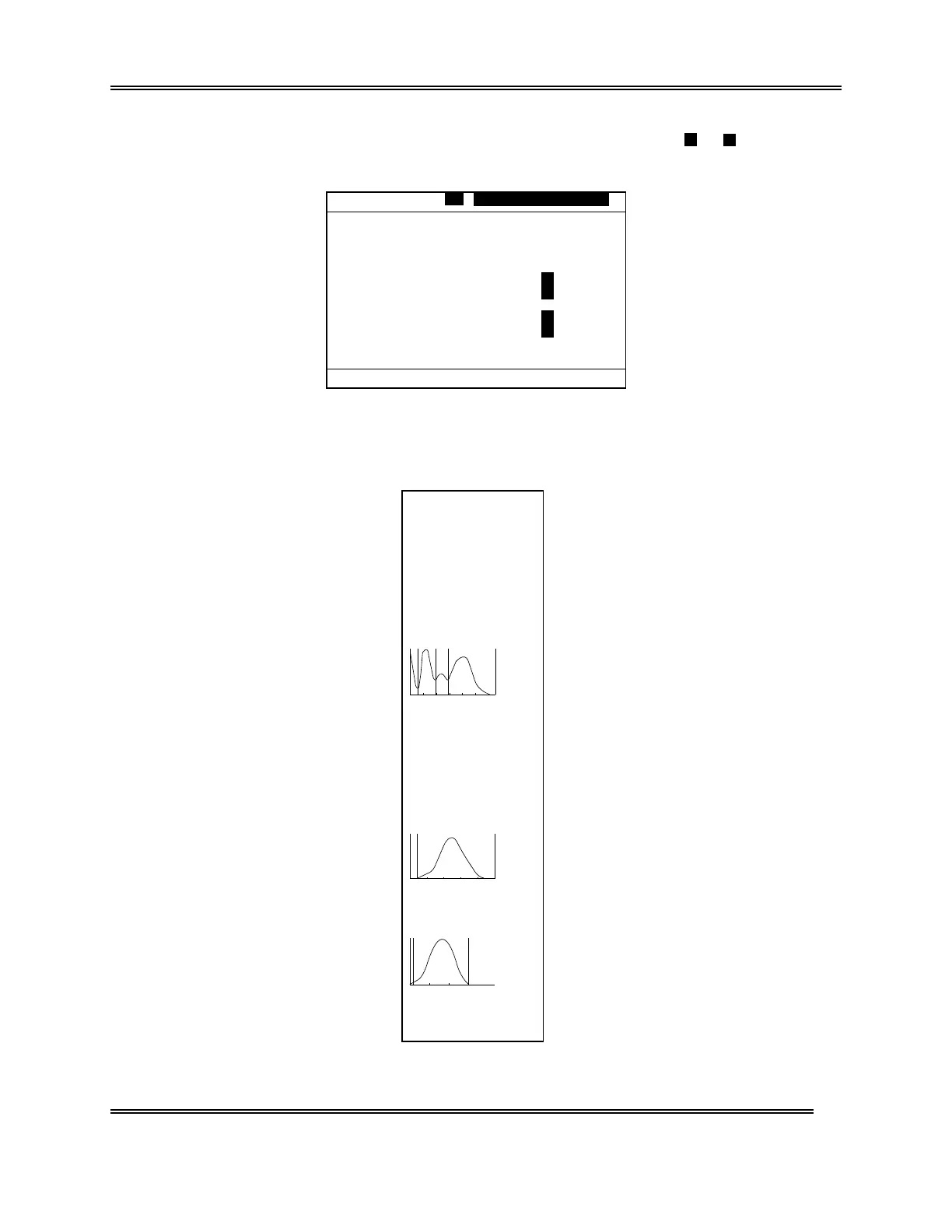
Figure 5-2-33: QC Error Message Screen
If the data is acceptable, press [1] key to confirm. Press [2] key to reject.
Press [3] key and select "3: Print" to print the contents of analysis result on the built-in
printer.
WBC
[fl]
RBC
[fl]
PLT
[fl]
No. QC01
Date 31/12/97 10:02
Mode QC
WBC 7.3
×
10
3
/µL
RBC 4.52
×
10
6
/µL
HGB 14.8 g/dL
HCT 36.2 %
MCV 80.1 fL
MCH 32.7 Pg
MCHC 40.9 g/dL
PLT 206
×
10
3
/µL
LYM% 27.2 %
MXD% 13.4 %
NEUT% 59.4 %
LYM# 2.0
×
10
3
/µL
MXD# 1.0
×
10
3
/µL
NEUT# 4.3
×
10
3
/µL
W-SMV 56.3 fL
W-LMV 172.4 fL
RDW-CV 11.4 %
RDW-SD 27.4 fL
PDW 8.3 fL
MPV 9.1 fL
P-LCR 14.8 %
Figure 5-2-34: Example of Analysis Result Printing
Sysmex KX-21 Operator’s Manual -- Revised January 2000



 To Next Page