TROUBLESHOOTING
Sysmex KX-21 Operator’s Manual -- Revised October 1998 7-27
3.9 Maintenance Errors
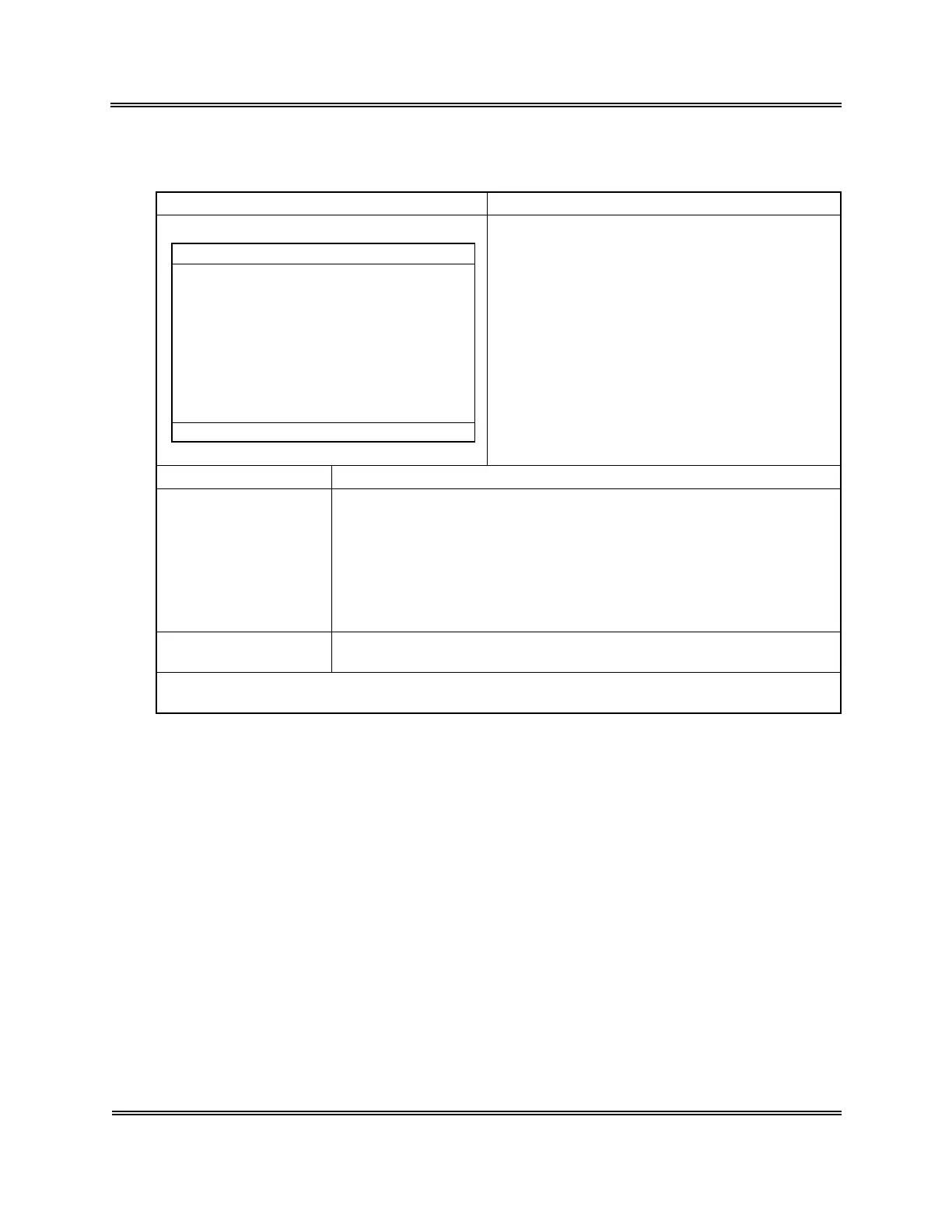
Error Message Meaning of Message
*
Scheduled Maint.
*
1:Exec.Clean
Clean the SRV.
Cycle No. after cleaning. 7567
Date last serviced 31/12/97
Reset the cycle counter for SRV,
and you can turn OFF the power.
[1]
[3]
Continue to start up. SRV cycle
counter will not be reset.
3:Cancel
It is time to clean the SRV.
Three months have passed from the previous
cleaning.
7500 samples have been analyzed from the
previous cleaning.
Cause
Action
Press [1] key. Following the instructions on the screen, turn OFF the
power and clean the sample rotor valve (SRV). (Refer to
Chapter 4:
Section 6.1: Clean Sample Rotor Valve (SRV)
).
If you perform cleaning later, press [3] key. This activates the usual
startup sequence and makes the system Ready.
∗ The same message will appear the next time you start the unit; it will
be displayed at each startup until the cleaning is performed.
Analysis after error
occurrence
Ready for analysis
NOTE: • When you clean SRV without pressing [1] key, execute "7: Maintenance,"
and then "3: Reset Counter" in the Select Menu.



 To Next Page