INSTRUMENT SETUP
Sysmex KX-21 Operator’s Manual -- Revised October 1998 10-15
2) Data Output Setting
Set the QC data output method. The QC data output can be selected from the
following four kinds:
Settin
s QC data output
None Not output
Print Print on built-in printer
Host Output to host computer
Print, Host Print on built-in printer and output to host computer
Table 10-5-2: Data Output Setting
NOTE: • Output to the host computer is valid onl
when the option is
incorporated.
• For print format to the built-in printer, refer to
Chapter 5, Section 2.6:
Execute
X
Control
or
Chapter 5, Section 2.7: Execute L-J Control
.
• For output format to the host computer, refer to
Appendix B: Technical
Information.
• The data output format for
ualit
control differs from the format for usual
anal
sis.
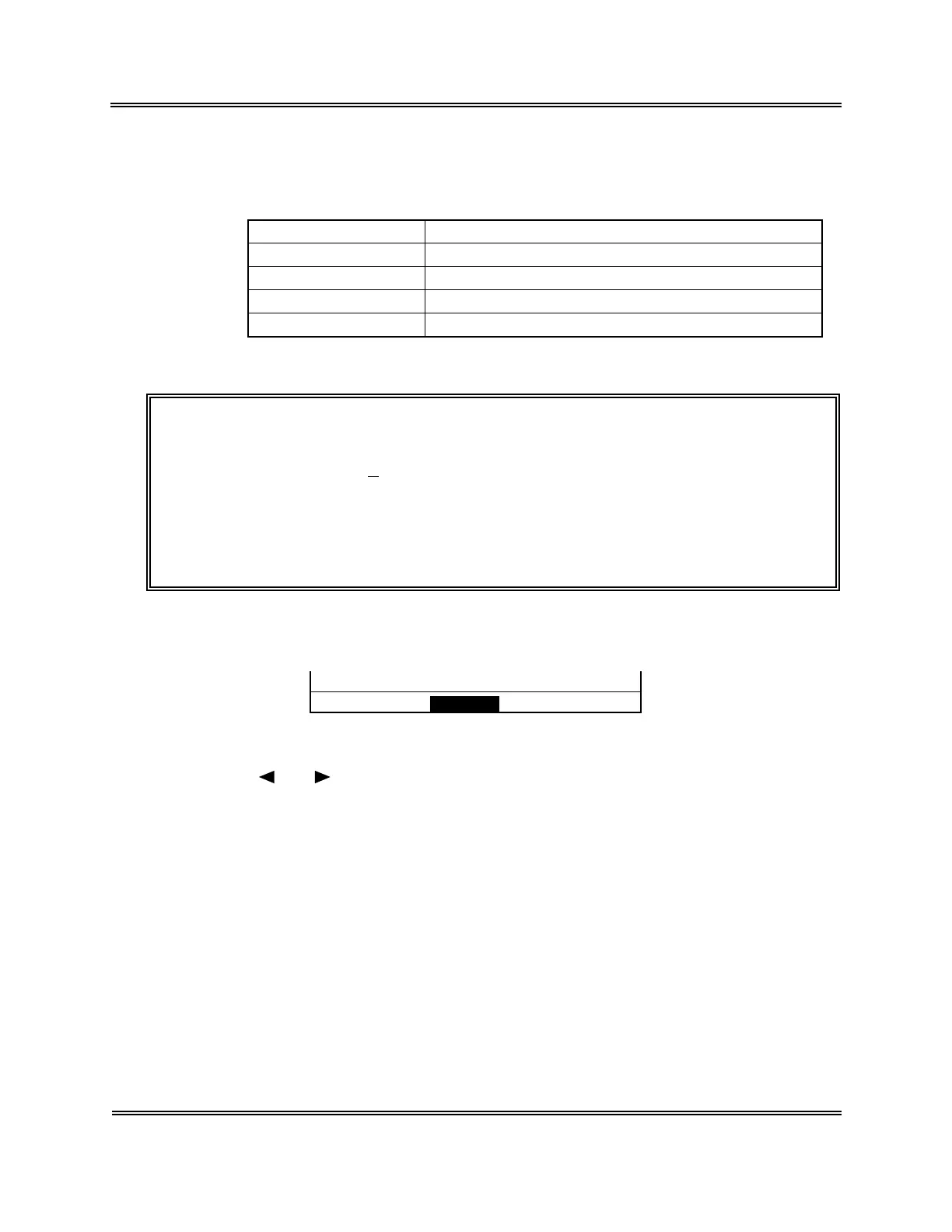
(9) When the setting for each parameter is completed, press [SELECT] key. The Setting
Change Confirmation message appears.
Change? Cont. Set Cancel
Figure 10-5-3: Setting Change Confirmation Message
(10) Using [ ] or [ ] key, move the cursor to select "Cont.," "Set," or "Cancel."
[Cont.]: Returns to the QC Settings screen. And the setting operation can be
continued.
[Set]: Updates the settings and returns to the Analysis screen.
[Cancel]: Cancels the changed settings and returns to the Analysis screen.
(11) Press [ENTER] key to execute the selected process.
Sysmex KX-21 Operator’s Manual -- Revised January 2000



 To Next Page