INSTRUMENT SETUP
10-14 Sysmex KX-21 Operator’s Manual -- Revised October 1998
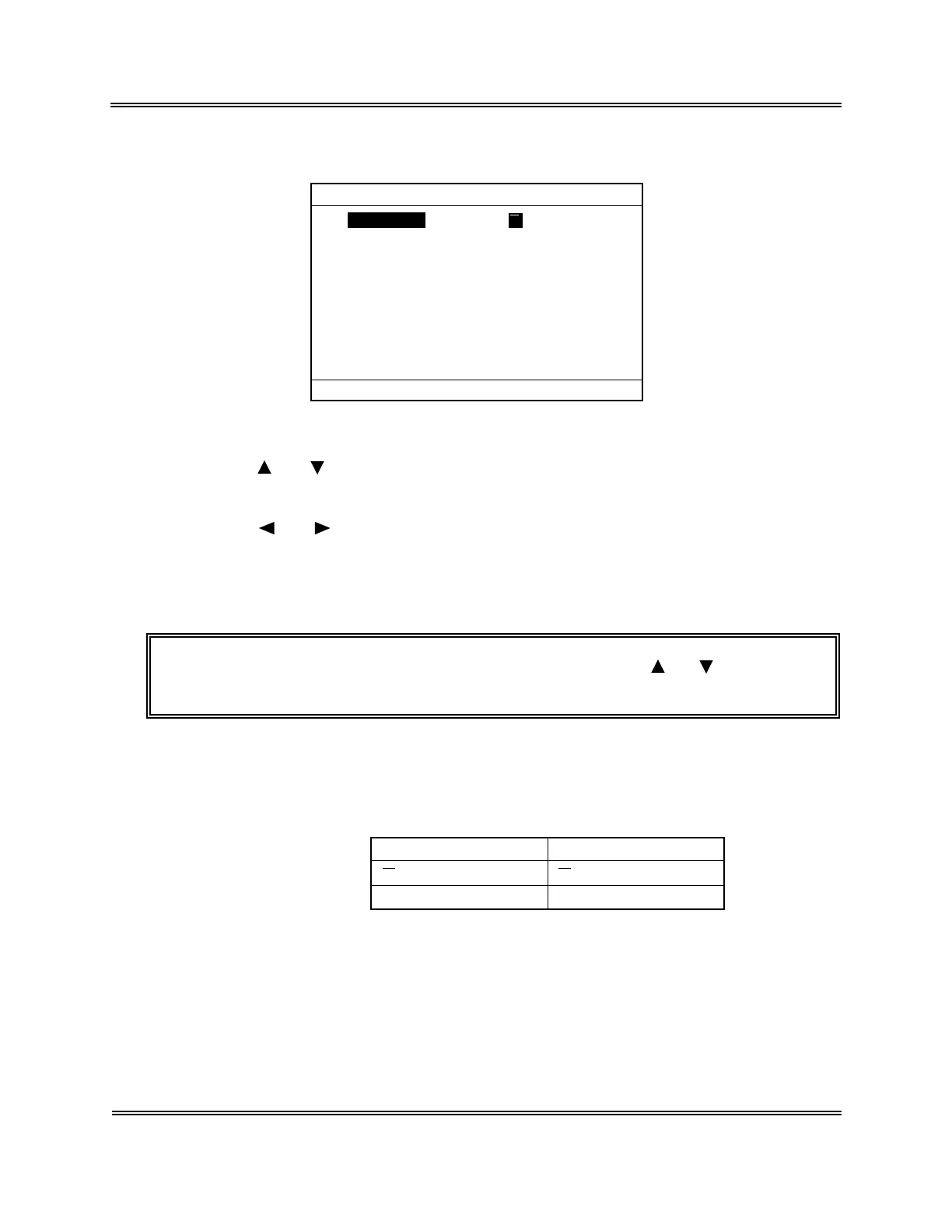
(5) Press [ENTER] key. The current setting status is displayed on the QC Settings screen.
Data Output Print
*
QC Settings
*
Press [SELECT] to exit.
QC Method
X
Figure 10-5-2: QC Settings Screen
(6) Using [ ] or [ ] key, move the cursor to select the set parameter. QC settings can be
made on two parameters.
(7) Using [ ] or [ ] key, select the content of settings.
The content of settings changes each time you press the key.
(8) Press [ENTER] key. The content of setting is set and the cursor moves to the next
analysis parameter.
NOTE: • The settings can also be set when you press [ ] or [ ] key after
changing the content of settings.
1) QC Method Setting
Set the QC method. The QC method can be selected from the following two
kinds: 17
Settings QC Method
X X
Control
L-J L-J Control
Table 10-5-1: QC Method Setting



 To Next Page