SAMPLE ANALYSIS
2-14 Sysmex KX-21 Operator’s Manual -- Revised October 1998
(4) The buzzer sounds two times - "beep, beep" - and when the LCD screen displays
"Analyzing," remove the tube. After that, the unit executes automatic analysis and
displays the result on the LCD screen. Then the unit turns to the Ready status,
becoming ready for analysis of the next samples.
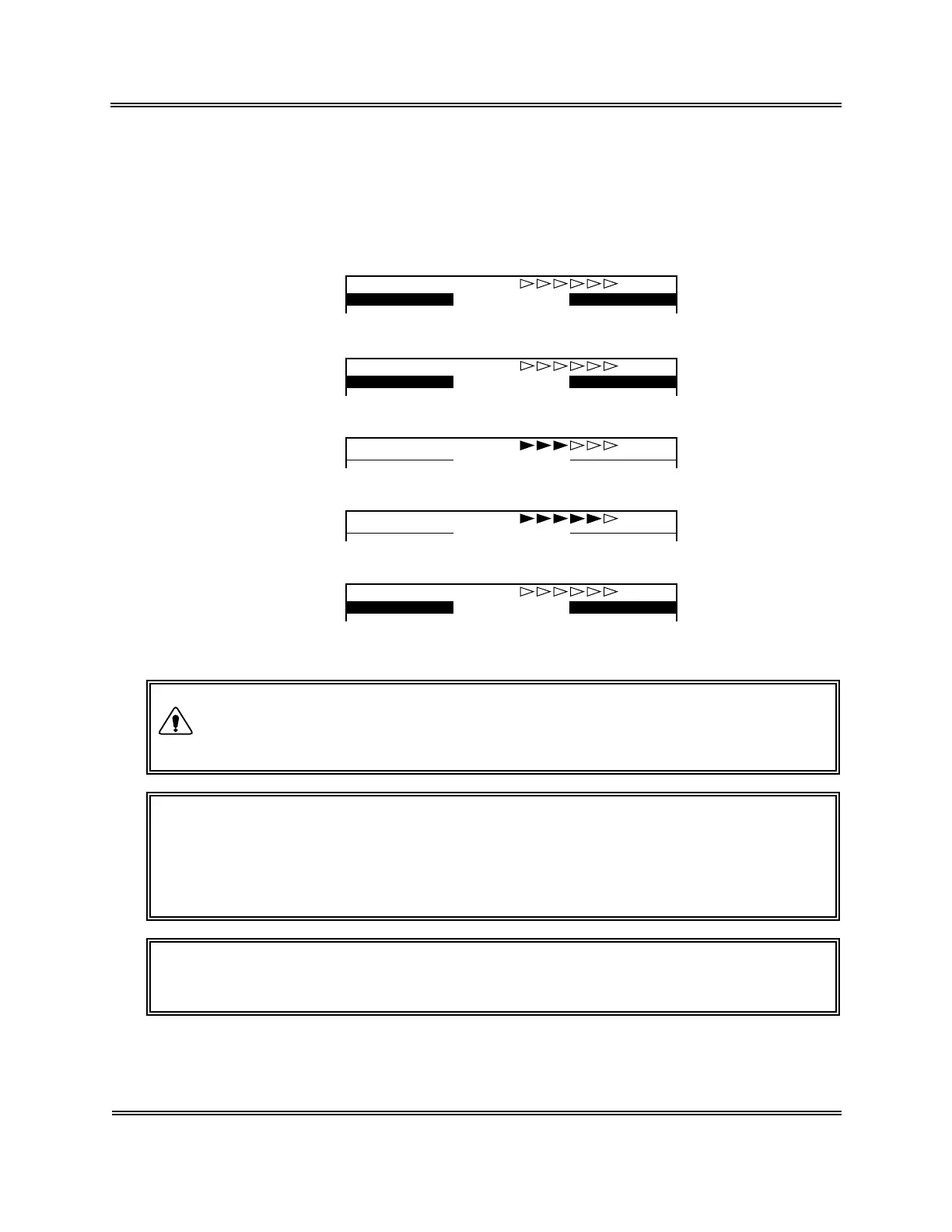
The screens from the start to the end of analysis are as shown in the following:
(Ready)
No.123457 WB
Ready
(Aspirating)
No.123457 WB
Aspirating
(Analyzing)
No.123457 WB
Analyzing
(Rinsing)
No.123457 WB
Rinsing
(Ready)
No.123458 WB
Ready
Figure 2-4-7: LCD Screen (in WB Mode)
• While the LCD screen is displaying "Aspirating," keep holding the tube
in the aforementioned status. If the tube is removed during its display,
correct analysis result may not be obtained.
CAUTION: • Several seconds after the buzzer sounds "beep, beep" and
"Aspirating" appears on the LCD screen, the rinse cup lowers. By that
time, remove the tube.
• To remove the tube, lower it straight down. Take care not to bend the
sample probe.
NOTE: • The sample probe is automatically rinsed, so there is no need to wipe it
clean.
CAUTION



 To Next Page