SAMPLE ANALYSIS
2-18 Sysmex KX-21 Operator’s Manual -- Revised October 1998
3. Selecting Pre-Diluted mode
When "WB" is displayed in the system status area on the LCD screen, the whole blood
(WB) mode is in use for analysis, so change it over to the pre-diluted (PD) mode by
the following procedure:
(1) Confirm the Ready status.
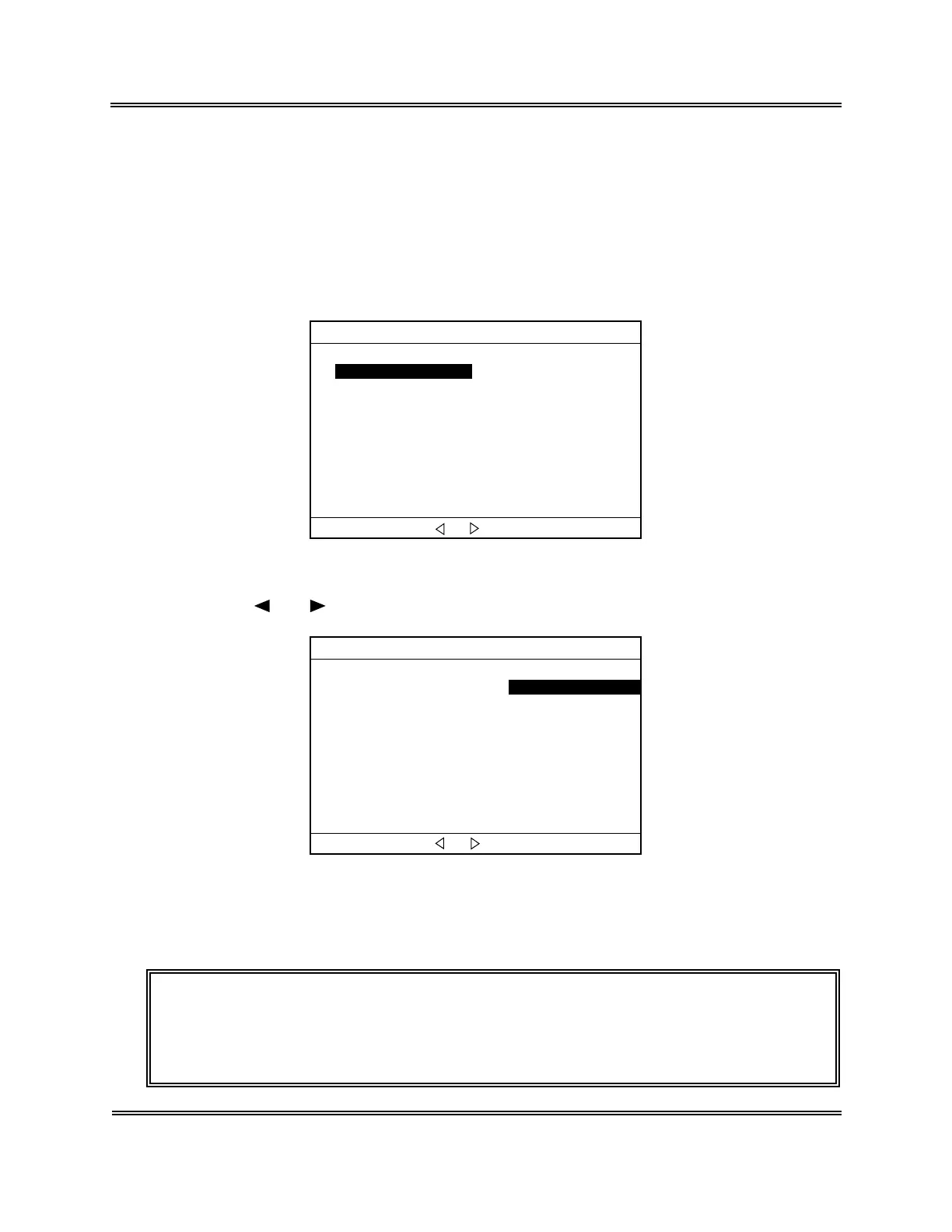
(2) Press [MODE] key to display the Change Mode screen.
*
Change Mode
*
Whole Blood(WB) Pre-Diluted(PD)
Change mode with [ ]or[ ]. Press [ENTER] to Set.
Figure 2-4-8: Change Mode Screen
(3) Press [ ] or [ ] key to select "Pre-Diluted (PD)."
*
Change Mode
*
Whole Blood(WB) Pre-Diluted(PD)Pre-Diluted(PD
Change mode with [ ]or[ ]. Press [ENTER] to Set.
Figure 2-4-9: Selecting PD Mode
(4) Press [ENTER] key to changeover the analysis mode and return to the Analysis
screen.
NOTE: • The analysis mode selected here is maintained after completion of
analysis, until it is switched to the other analysis mode.
• At the time of turning-on the power, the system is in the whole blood
mode.



 To Next Page