SAMPLE ANALYSIS
Sysmex KX-21 Operator’s Manual -- Revised October 1998 2-29
8. STOPPING THE PNEUMATIC UNIT
The KX-21, when left non-operating for 15 minutes, automatically stops the pneumatic unit.
It is also possible to manually stop the pneumatic unit using the following procedures:
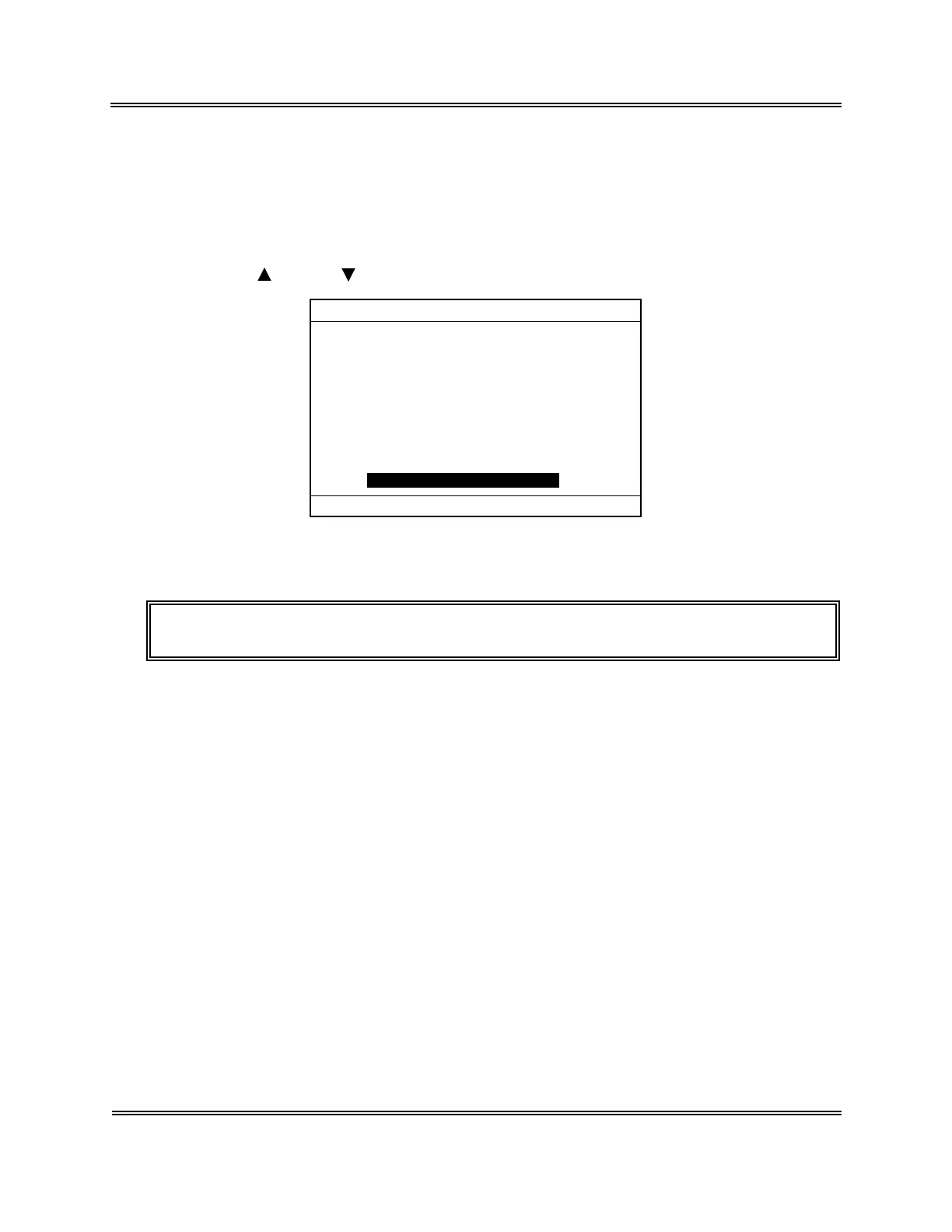
(1) Press [SELECT] key in the Ready status. The Select Menu screen appears.
(2) Using [
] key or [ ] key, move the cursor to select "00: PU Sleep."
*
SELECT
*
1:Stored Data
2:Quality Control
3:Calibration
4:Replace Lyse
5:Auto Rinse
6:Settings
7:Maintenance
8:Periph. Settings
00:PU Sleep
Figure 2-8-1: Select Menu Screen
(3) Press [ENTER] key. This stops the pneumatic unit.
NOTE: • Press the start switch to return to the ready status.



 To Next Page