DISPLAY AND PROCESSING OF ANALYSIS RESULTS
3-2 Sysmex KX-21 Operator’s Manual -- Revised October 1998
2. PROCESSING LATEST SAMPLES
2.1 Display of Analysis Result
The analysis result is displayed in the Analysis Result Display Area on the LCD screen. In
the Analysis Result Display Area, the analysis result is displayed each time a new sample is
analyzed. When the analysis result is displayed, the menu display area displays the menu of
"1: M. Discri.," "2: Print," and "3: Paper Feed," which can each be executed using the
numeric keys.
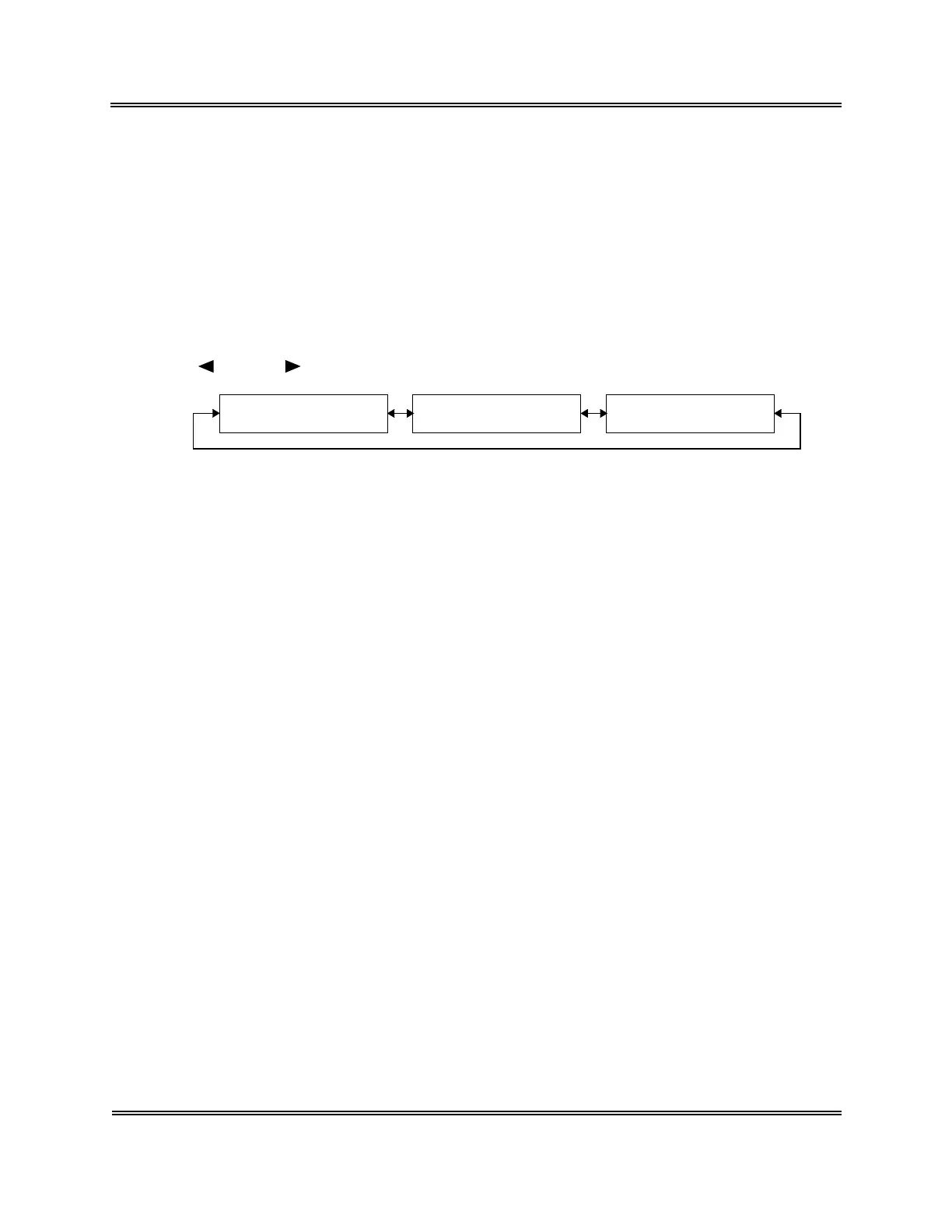
The Analysis screen consists of three pages that differ from each other in "Analysis Result
Display Area."
Use [ ] key or [ ] key to change over pages.
P1. All Analysis Data
Display Screen
P2. Particle Distribution
Display Screen
P3. CBC8 Parameter
Display Screen
Figure 3-2-1: Page Selection in the Analysis Screen



 To Next Page