DISPLAY AND PROCESSING OF ANALYSIS RESULTS
3-6 Sysmex KX-21 Operator’s Manual -- Revised October 1998
2.2 Manual Discrimination
This menu allows relocation of particle distribution discrimination position and re-calculation
of data.
CAUTION: • Manual Discrimination can be performed only on the latest sample
displayed on the Analysis screen, but not on the data with sample
number 0.
NOTE: • "1: M. Discri." on the menu is valid only for the analysis result in the
whole blood mode.
Execution of Manual Discrimination
(1) Press [1] key on the Analysis screen displaying analysis result and select "1: M.
Discri."
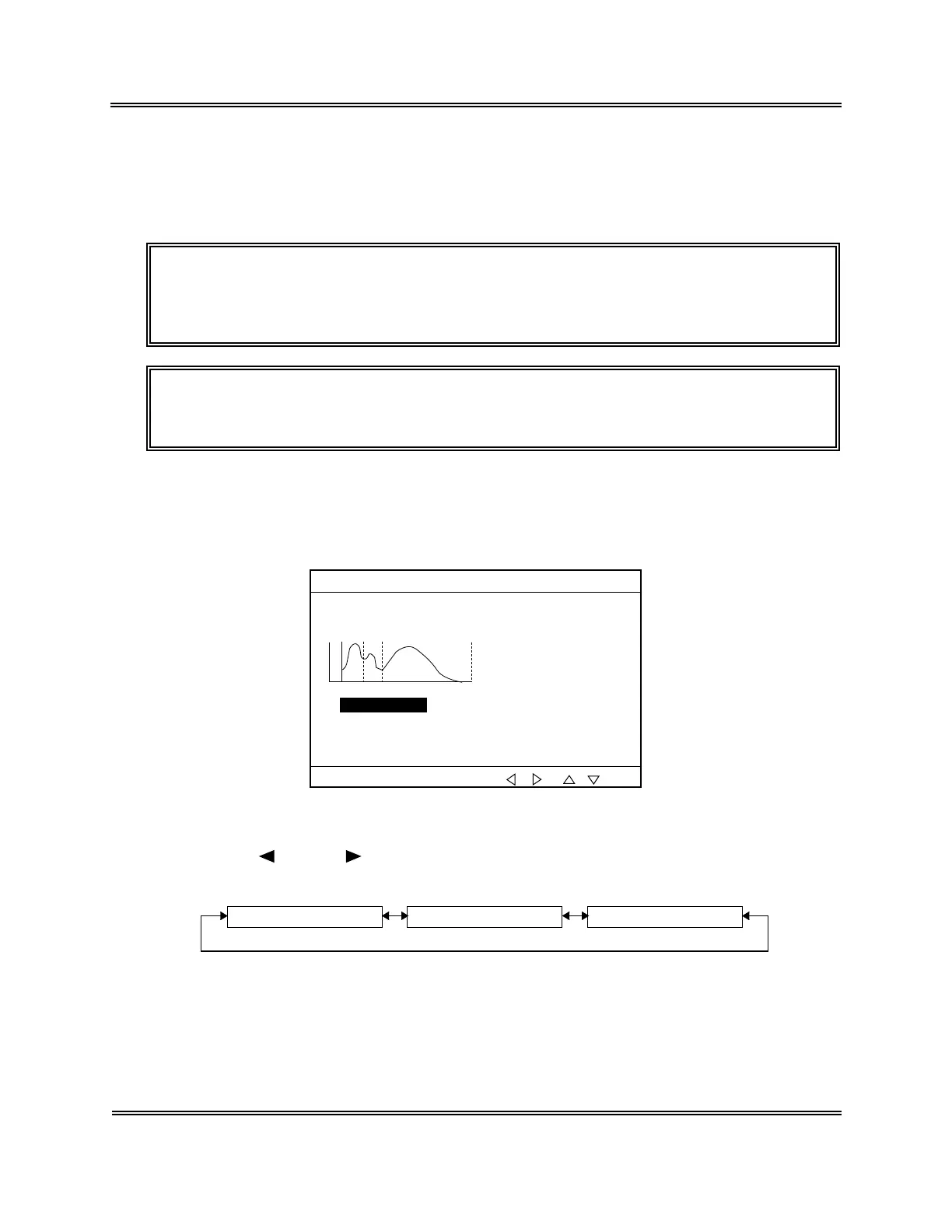
The Manual Discrimination screen (WBC) appears.
31/12 23:59No.123458 WB
WBC
NEUT# 3.5
×10
3
/µL
MXD# 1.4×10
3
/µL
LYM# - 2.0×10
3
/µL
NEUT% 49.2%
MXD% 19.6%
LYM% 31.2%
WBC 7.1
×10
3
/µL
T2 123 fL
T1 93 fL
*
M.Discri.
*
Select item/cursor by [ ][ ]/[ ][ ].
LD 43 fL
Figure 3-2-5: P1. M. Discri. Screen (WBC)
(2) Using [
] key or [ ] key, select a desired page of the M. Discri. screen. The M.
Discri. screen consists of three pages.
P1. M. Discri. Screen (WBC) P2. M. Discri. Screen (RBC) P3. M. Discri. Screen (PLT)
Figure 3-2-6: Page Selection in the M. Discri. Screen



 To Next Page