MAINTENANCE AND SUPPLIES REPLACEMENT
Sysmex KX-21 Operator’s Manual -- Revised October 1998 4-11
(3) When the buzzer sounds two times - beep, beep , - informing completion of aspiration,
remove CELLCLEAN from the sample probe. After that, the waste chamber cleaning
is executed automatically.
*
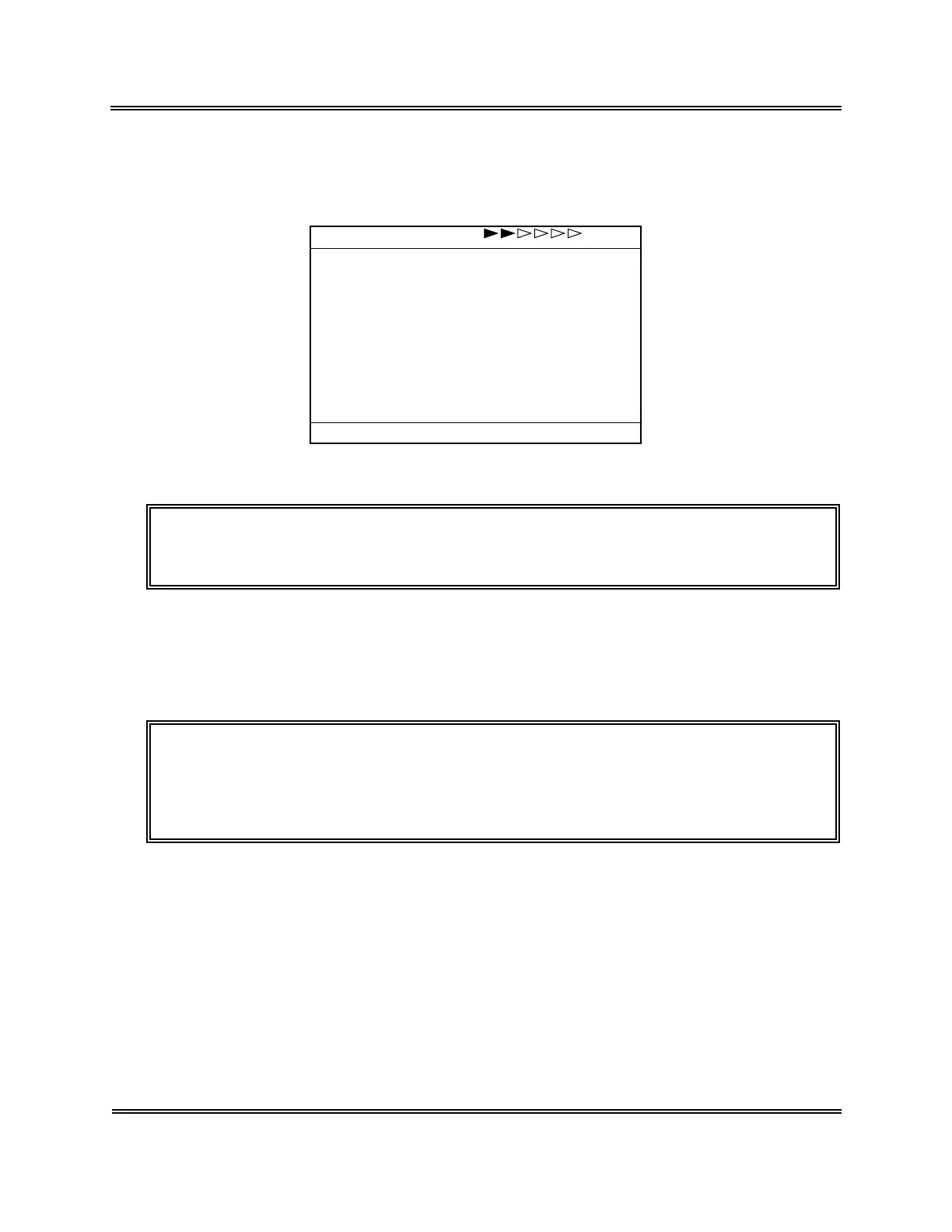
Clean W.Chamber
*
Please wait.
Figure 4-5-4: Screen during Waste Chamber Cleaning
CAUTION: • To remove CELLCLEAN, lower it straight down. Take care not to bend
the sample probe.
(4) When the waste chamber cleaning is completed, the auto rinse and background check
are executed, then the system turns to the Ready status.
(5) Check to see that no background error occurs. Should background error occur,
execute the auto rinse.
NOTE: • When this operation is completed, the waste chamber cycle counter is
automatically reset. For the confirmation of waste chamber cycle
number, refer to
Chapter 4, Section 9: CONFIRMATION OF CYCLE
NUMBER
.



 To Next Page