7
To adjust the volume
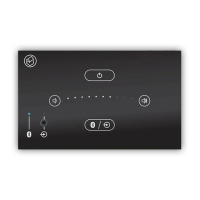
1. Touch the volume up key to increase the level of the music, and touch the volume
down key to reduce it.
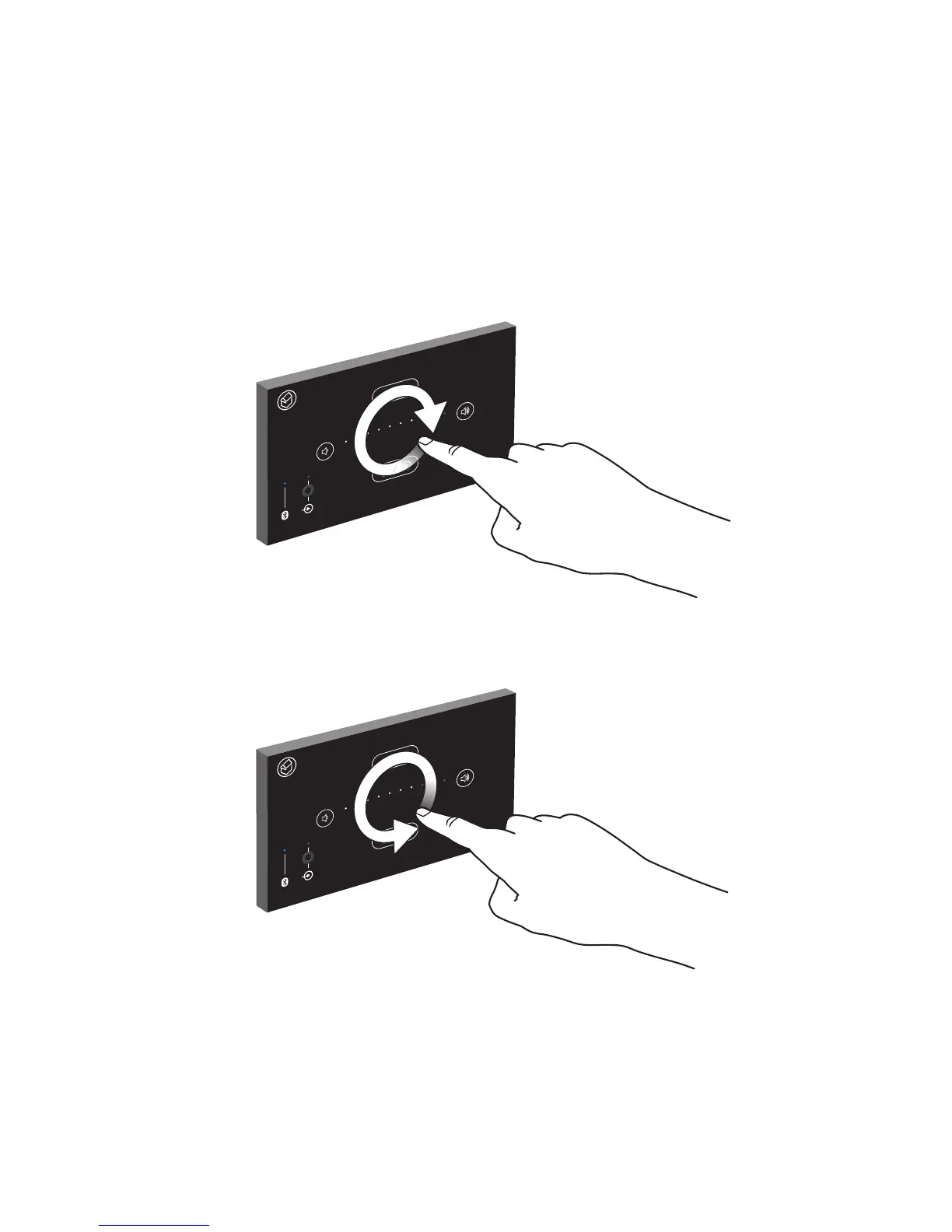
2. The same functionality can be achieved using a convenient gesture control.
3. Use your index finger to describe a circular pattern within the confines of the
four touch key symbols at a distance of up to 70mm from the front panel. Do not
actually touch the front panel. A clockwise rotation will increase the volume level
and an anti-clockwise rotation will decrease the volume level.
Increase volume using hand gesture
Decrease volume using hand gesture


 To Next Page