10 11
en
POSITIONS AND INTERFACE
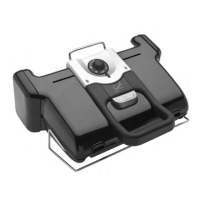
GRILL OVEN
BARBECUE COMPLETE MEAL
Control with the panel on the handle
Control with the side thermostat
CHANGE POSITION
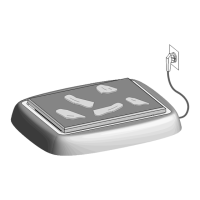
Change to oven position:
Open the grill, remove the lower grill plate and
replace with the baking tray.
Caution: The baking tray is placed on the grill
without being locked into place.
Change to barbecue position:
When opening the grill, hold the latch up and
bring the handle to the 180° open barbecue
position.
Change to complete meal position:
Plug the baking tray in place of the lower
plate, then open the grill to the 180° position
following the steps above.
Caution: Check that the thermostat on the
side is on • before opening the grill in barbecue
or complete meal position. If the thermostat is
not on •, the grill will start heating up and will
notify you of this with a beep.



 To Next Page
 Loading...