Discovery DSC™ Getting Started Guide Page 18
The Discovery DSC™ User Interface
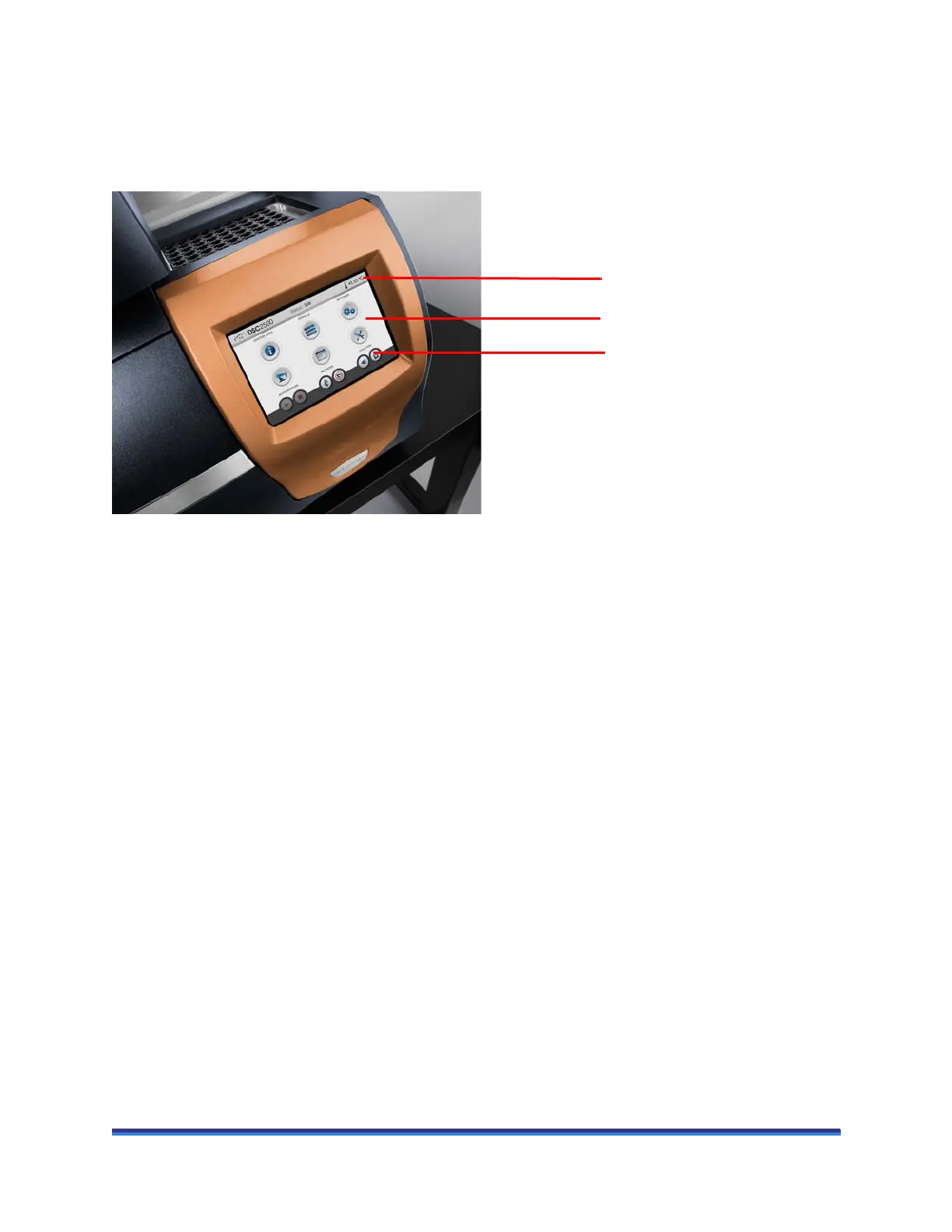
The Discovery DSC includes an integrated user interface display for local operator control. The functions
of the user interface change depending upon the view displayed. This section briefly describes the basic
layout of these functions.
Figure 7 Discovery DSC user interface display (DSC2500 shown).
The instrument user interface has three basic sections:
• The status line along the top of the display indicates the current instrument status and sample tempera-
ture.
• The primary function buttons allow for easy access of common functions.
• View panel allows for real-time instrument status and associated actions.
Status line
View panel
Primary function buttons



 To Next Page