Discovery DSC™ Getting Started Guide Page 19
Primary Function Buttons
Use the following buttons for the main functions of the instrument.
Table 1: Primary Function Buttons on the User Interface
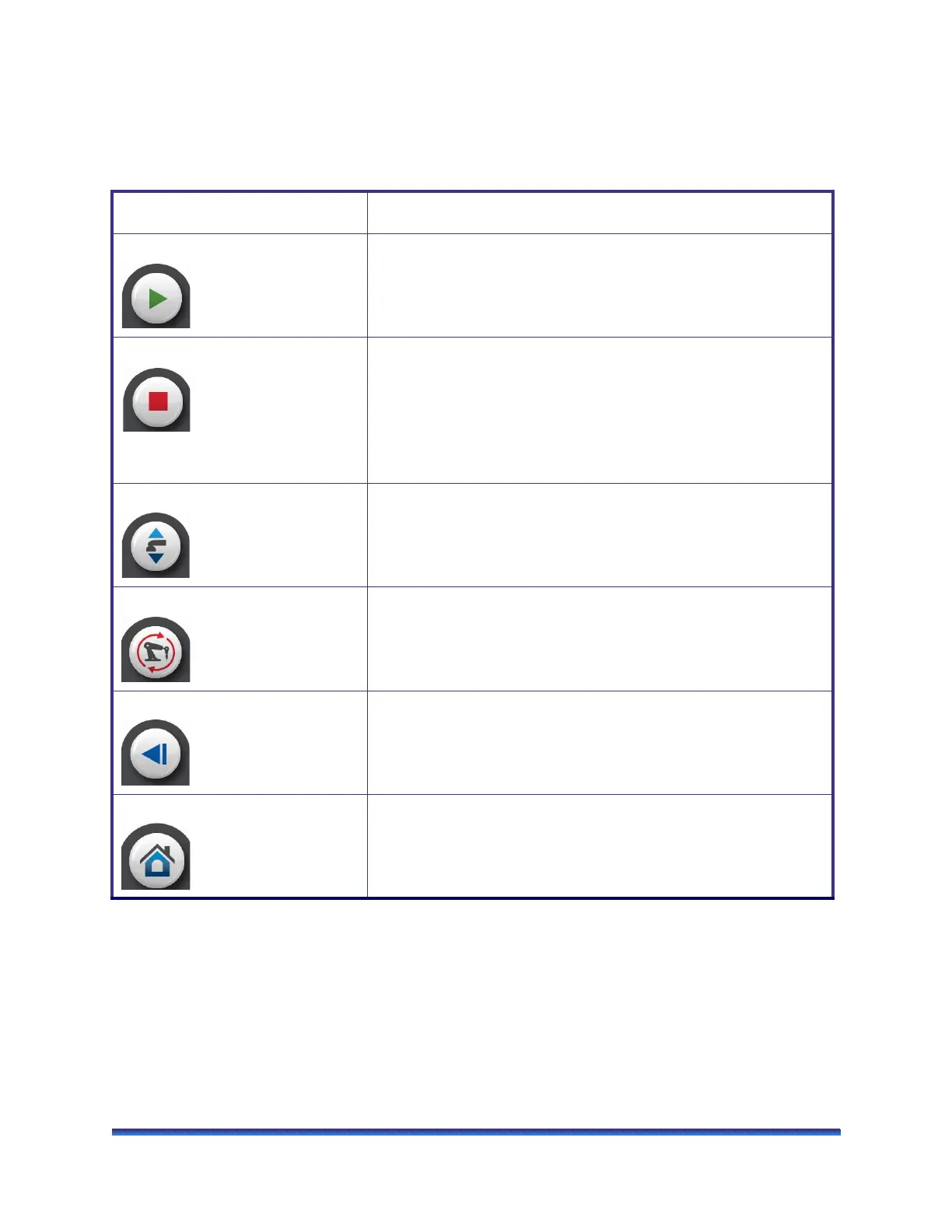
Key Name Description
Start Begins the currently-programmed experiment. This is the same function
as Start on the instrument control software. Start automatically loads
the selected sample pan and closes the furnace, if necessary, before
beginning the experiment.
Stop If an experiment is running, this button ends the method normally, as
though it had run to completion; i.e., the method-end conditions go into
effect and the data that has been generated is saved. This is the same
function as Stop on the instrument control software. If an experiment is
not running (the instrument is in a standby or method-end state), the
Stop button will halt any activity (air cool, all mechanical motion, etc.).
If an Autosampler sequence is in progress, Stop will halt the sequence.
Lid Open/Close Toggles between opening and closing the lid on the DSC cell.
Reset Returns the Autosampler to the Home position and eliminates all
records of pans.
Back Returns you to the previous page used
Home Returns you to the Main screen.



 To Next Page