Discovery DSC™ Getting Started Guide Page 50
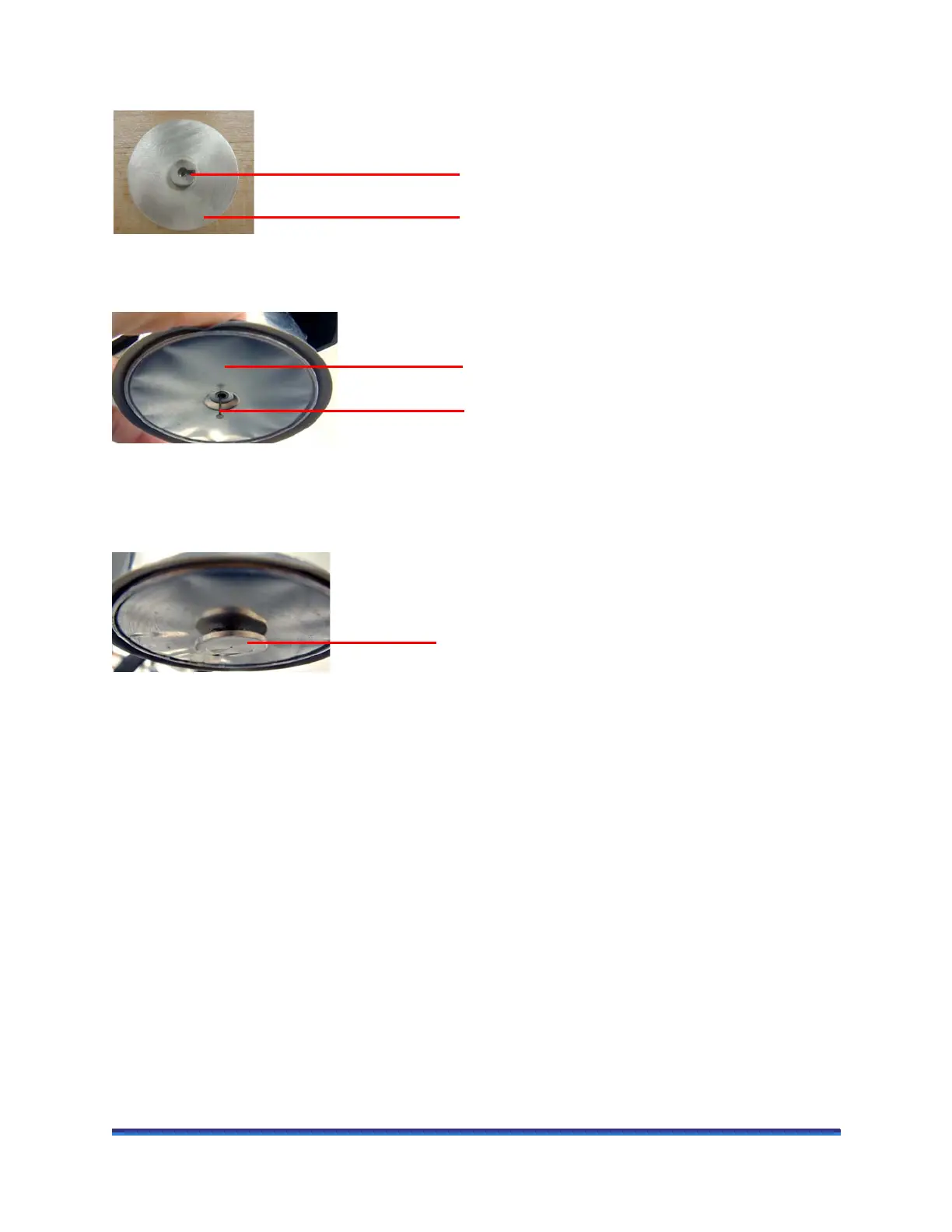
2 Obtain the lid you wish to install and locate the notch on the top side of the lid. See the figure below.
Figure 37 Top side of lid and lid notch.
3 Gently grasp the sides of the AutoLid cover and slowly lift it to expose more of the lid pin.
Figure 38 Lifting the insulated cover to expose the lid support pin.
4 While still holding the insulated cover, install the lid by aligning the notch on the top side of the lid with
the lid support pin.
Figure 39 Lid properly installed on the lid support pin.
5 Specify the installed lid type through the Discovery DSC > General page of the TRIOS Options.
Lid cover being raised
Lid support pin


 To Next Page