Registration of a design into the machine memory
43
Chapter 4
1
2
3
4
5
6
7
8
9
10
11
SQ06
3-2-4. How to use a bar code reader during machine operation
Read the bar code of the next embroidery design by a bar code reader. (Pre-reading of the next design)
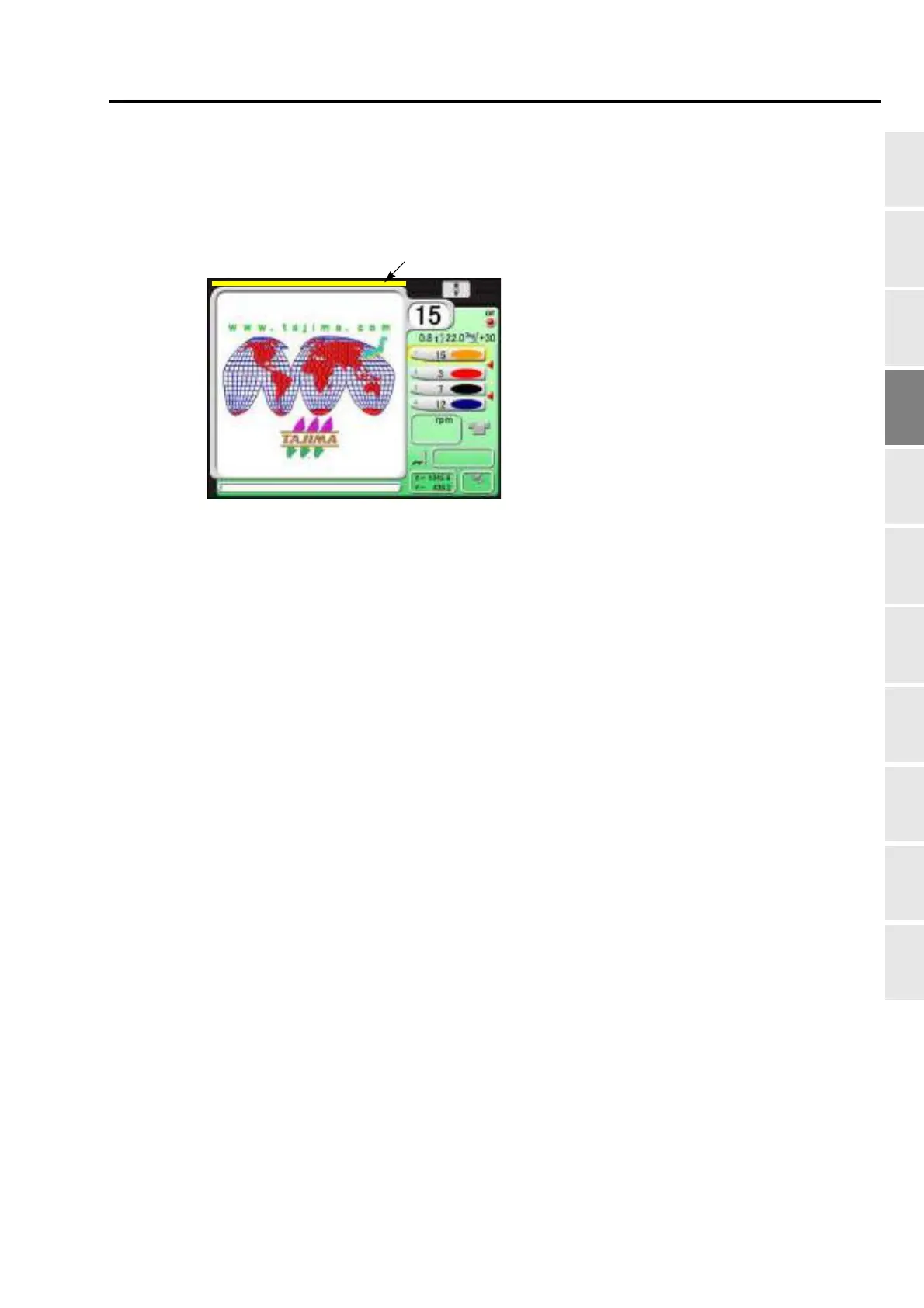
The pre-read design is set right after the current embroidery design is completed, and then a yellow bar will
be displayed.
When performing the following operation, the yellow bar will disappear.
(a) When performing panel operation
(b) When the machine is started/stopped
(c) When the power is turned OFF and ON
The pre-read design requires the following conditions.
(a) The design which can be performed pre-reading is one design only.
(b) When bar codes are read plural times during operation, the design read latest will be selected.
(c) When suspending to embroider a design during operation and setting the data of another design, the
pre-read design will be deleted.
(d) To suspend embroidering some design during operation and perform the data setting of the pre-read
design, read the bar code again.
(e) When performing the Frame Forward of the design in the middle of embroidering and outputting the
end code, the pre-reading design will not be set the data.
TAJIMA_W 14117
Yellow bar
1000
0



 To Next Page