Registration of a design into the machine memory
42
Chapter 4
UO04
3-2-3. How to operate (to use bar code reader)
The following is an example of registering a design (saved in a personal computer) into the machine
memory.
(1) After connecting the LAN cable to the LAN port at the right side of the machine, start up DG/ML by Pulse
first.
(2) Next, turn ON the machine power and check that the network setting is set to "Normal".
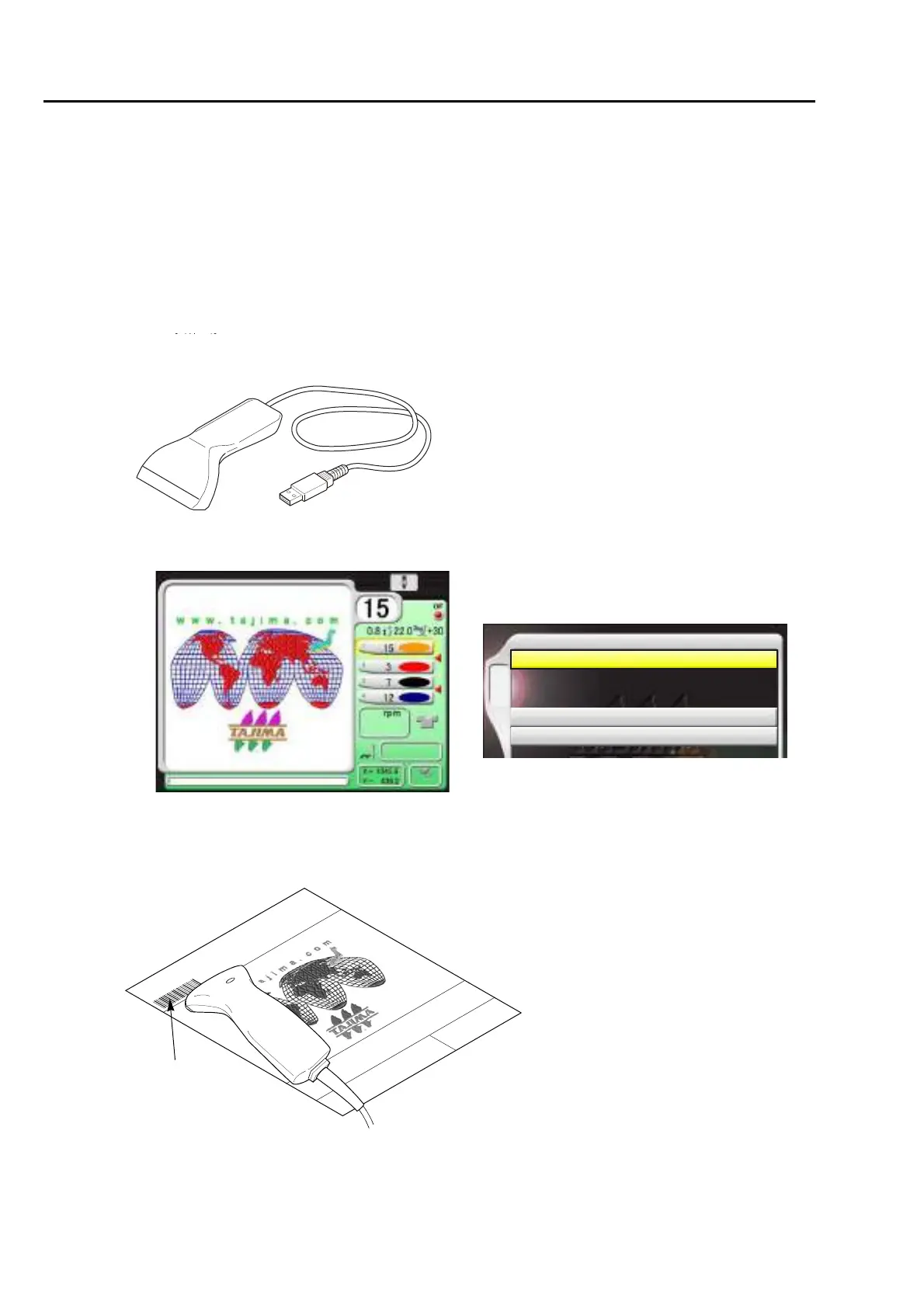
(3) Connect the bar code reader to the USB port on the right side of machine. (p.14)
(4) Set to the main screen.
(5) Read the bar code.
Condition data (Color change sequence) is also read automatically.
This design is now ready for embroidery. (Data set is completed).
After that, proceed to "To decide color change sequence (Needle Bar Selection) (p.50)".
The bar code can be read also from the
following screen.
4 Data Input (USB)
5 Data Input (LAN)
A
1 Data Input (Memory)
Bar code
Bar codes can be printed by using the print
function of DG/ML by Pulse.



 To Next Page