Embroidery starts
66
Chapter 4
XL08
7. Embroidery starts
7-1. Start and stop
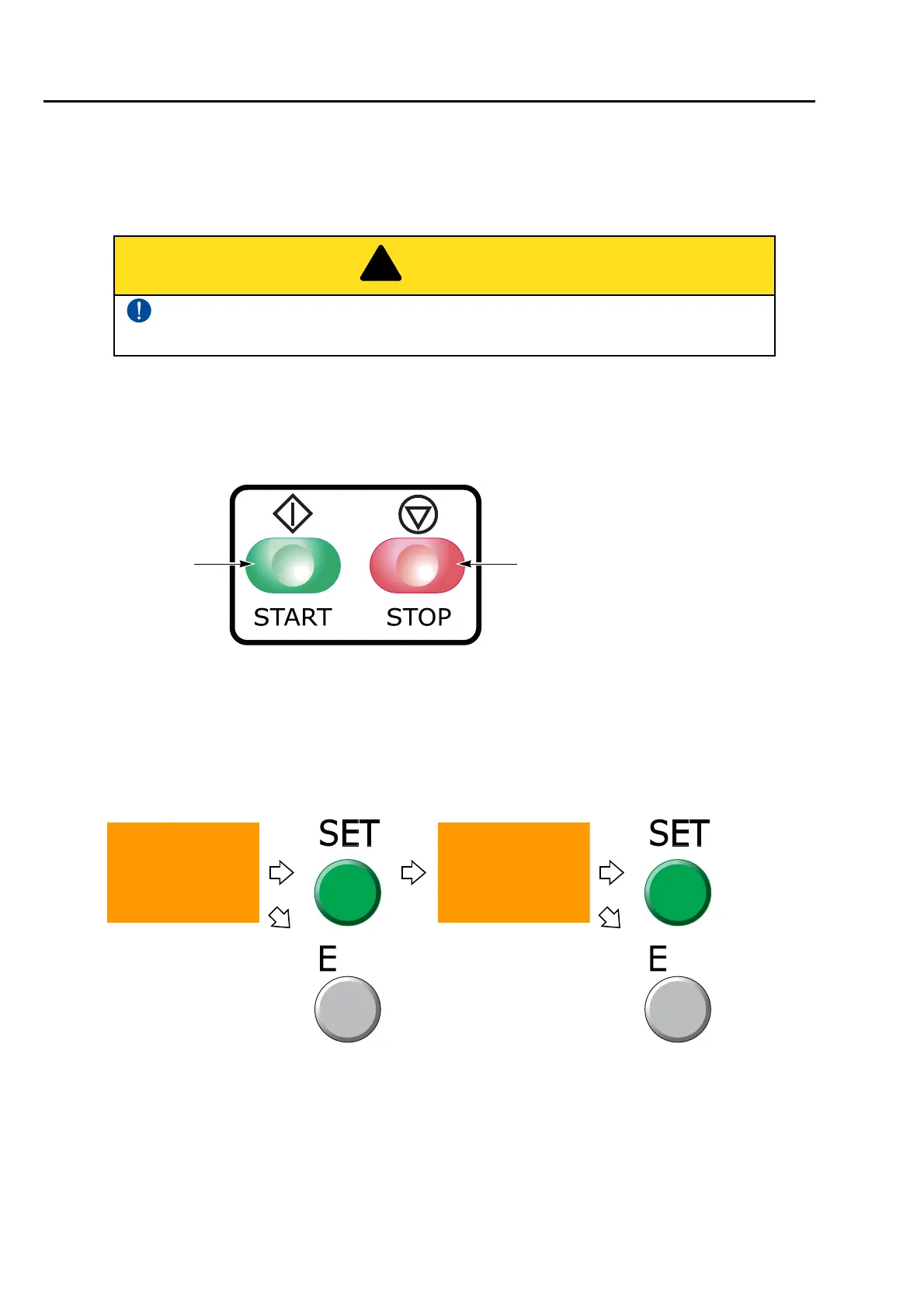
(1) To start operation, press the start switch for a few seconds.
(2) To start slow operation, keep on pressing the start switch. Releasing it will start normal operation.
(3) To stop, press the stop switch.
If you want to start over during the embroidery, follow the procedure below.
(a) Stop the machine.
(b) Press A key while pressing SET key.
(c) Operate the machine according to the screen display shown below.
(d) The frame will return to the start position of design. Press the start switch and start over the
embroidery.
(e) The frame will not move. Press the start switch and start over the embroidery.
Before starting the machine, pay enough attention to the surrounding safety. Moving
needle bar and/or frame could injure you.
Proceed to
the
procedure
(d)
After pressing the E key,
press the start switch to
restart embroidery.
Proceed to
the
procedure
(e)
Start switch Stop switch
(Green) (Red)
OK to try again from
the beginning?
OK to move a frame
to the Start Point of
Design Data?



 To Next Page