To change color
75
Chapter 5
1
2
3
4
5
6
7
8
9
10
11
UO12
1-1-1. Explanation on the screen
1-1-2. How to operate
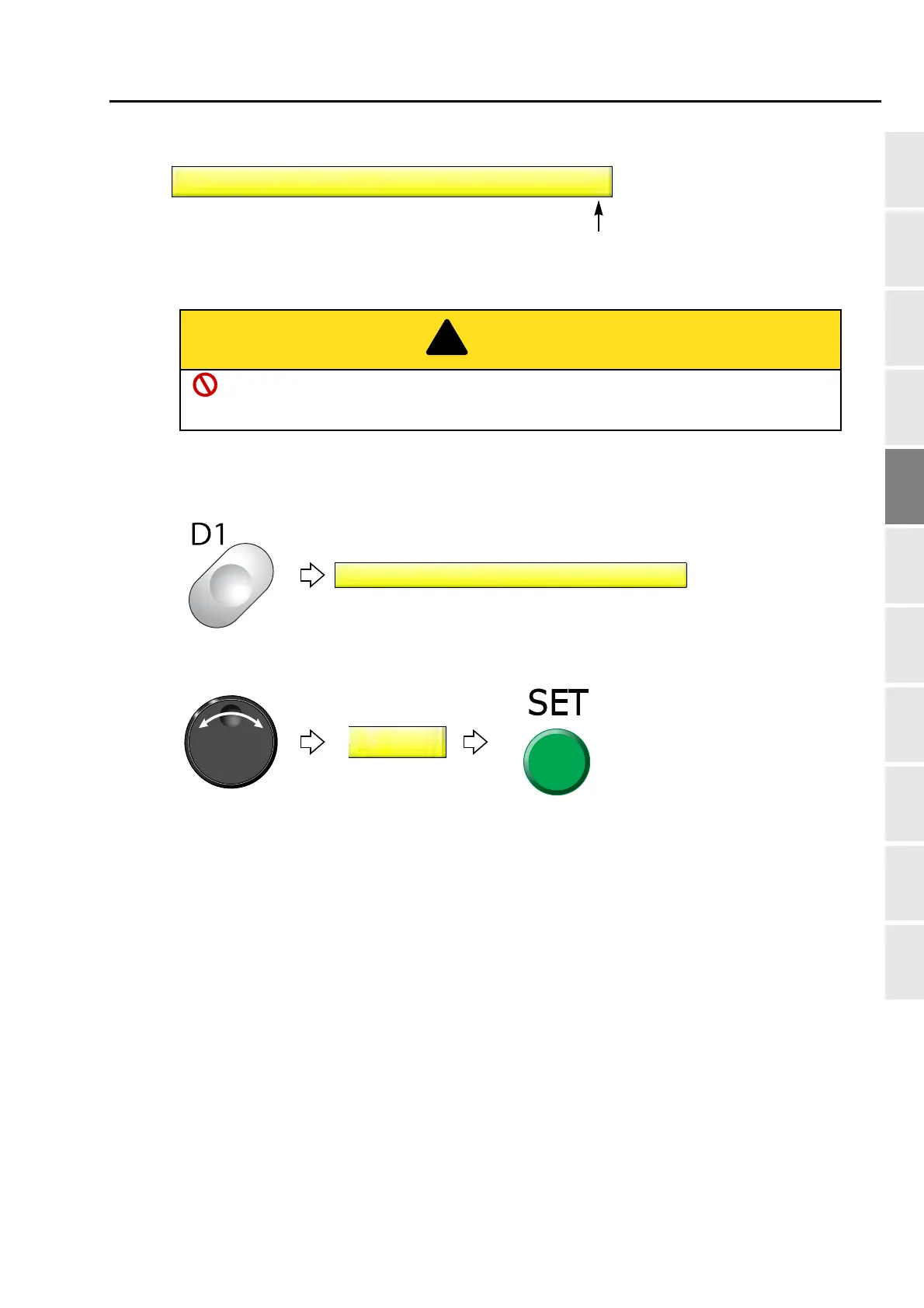
The following is the example of the color change that the needle bar is set to the 5th needle.
(1) To open screen
(2) To select needle bar No. and execute color change
Current needle bar No.
When performing this operation, do not put your hands etc. around the needle bar case.
Moving needle bar case could injure you.
Pressing SET key will move the
needle bar.



 To Next Page