Developer Mode
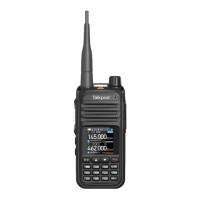
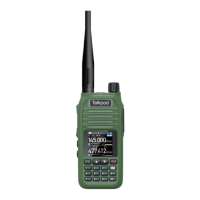
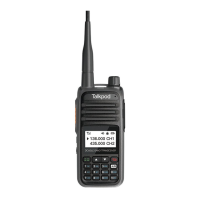
In the powered-off state, hold down both the PTT and numeric key 9,
then power on. The display will show "SUPER MODE" and then
automatically restart, entering developer mode.
Note: Comply with relevant laws and regulations; using the
18-30MHz range requires changing to the corresponding shortwave
antenna.
Menu Function List
Press the 【Menu Button】 to enter the menu mode. Use the 【Up Key】
and 【Down Key】 to select the desired menu, or directly enter a menu
number between 1 and 59 to quickly access the corresponding menu.
High power transmission on the current
frequency or channel
Medium power transmission on the
current frequency or channel
Low power transmission on the current
frequency or channel


 To Next Page