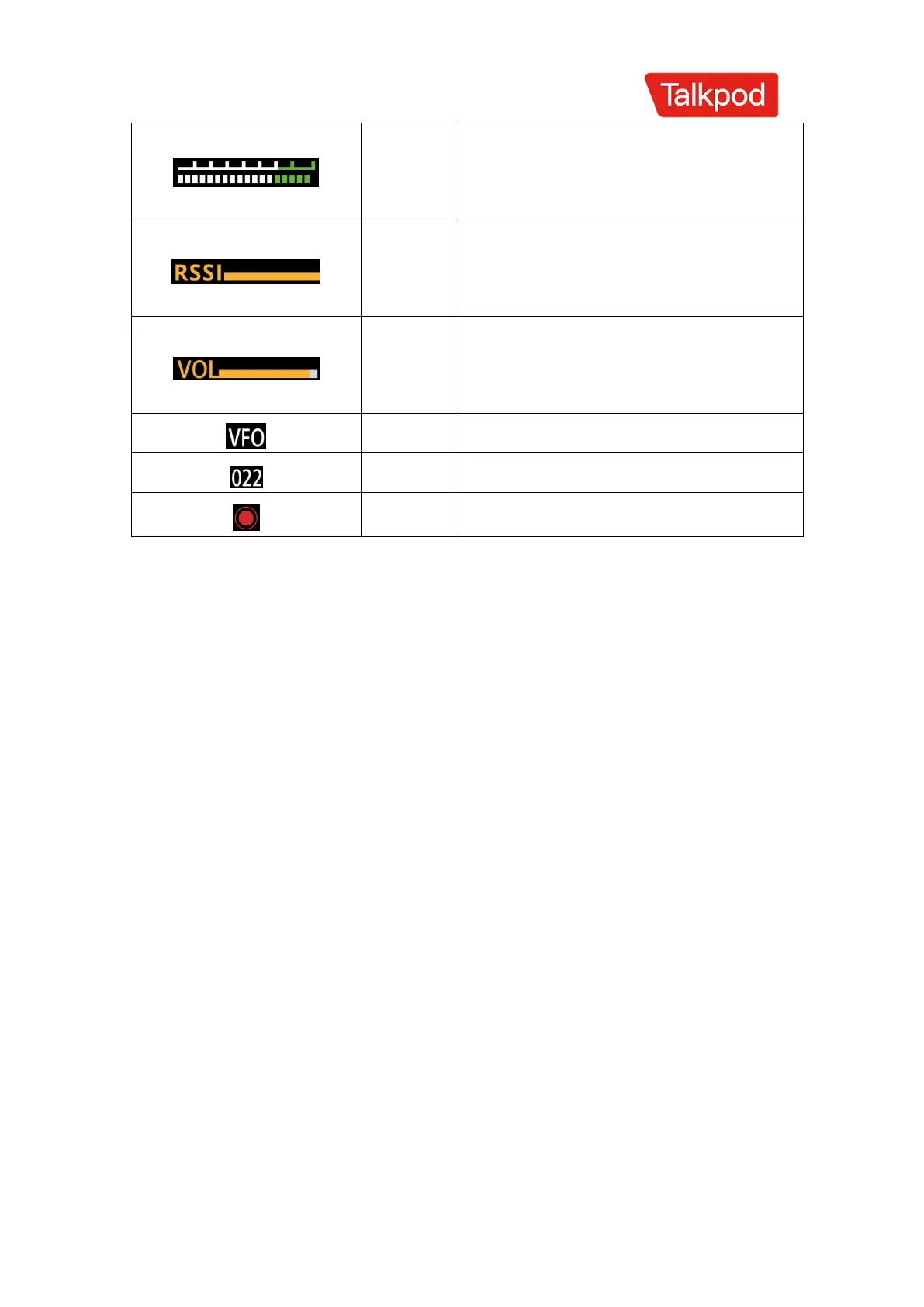
Indicates the current transmission signal
strength.
Indicates the current received signal
strength.
Indicates the current transmission
audio amplitude.
Main Functions
Power On/Off
1.Turn the power knob clockwise to switch on the walkie-talkie.
2.To turn off the walkie-talkie, rotate the power knob counterclockwise.
Volume Adjustment
Increase the volume by turning the volume control knob clockwise;
decrease it by turning counterclockwise. If background noise is not
audible due to the squelch function, hold the 【Side Key 3】 and rotate
the volume control knob to hear the background noise.
Frequency Selection
Press the 【Up Key】 to increase the frequency; press the 【Down Key】
to decrease it. If you cannot select a specific frequency, you may need
to change the step size of the frequency interval. See the section on
changing frequency step size. You can also directly enter the desired



 To Next Page