is analog. This symbol appears during
transmission, signifying that analog
sub-audio tone signaling is being
transmitted.
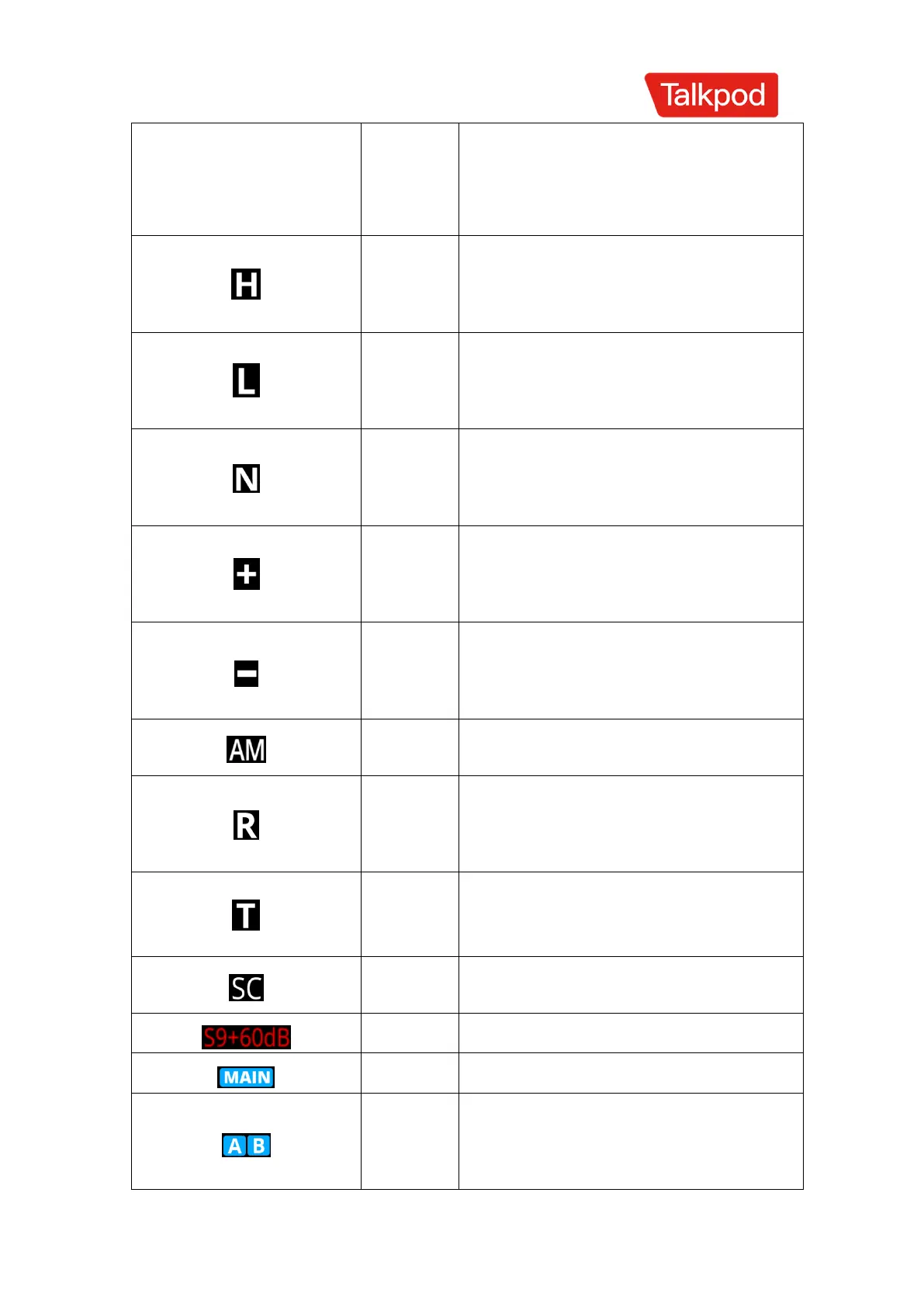
Indicates that the current
transmission power is set to high
power.
Indicates that the current
transmission power is set to low
power.
This symbol appears when the
channel is operating in narrowband
bandwidth mode.
Indicates that the transmission
frequency is the reception frequency
plus an offset frequency.
Indicates that the transmission
frequency is the reception frequency
minus an offset frequency.
Indicates that the current frequency is in
AM (Amplitude Modulation) mode.
Indicates that the receive and
transmit frequencies are reversed in
frequency mode/channel mode.
Off-network mode, where the receive and
transmit frequencies are set to be the
same.
Special voice encryption status /
Frequency hopping feature
Main Frequency or Channel
Represent the respective frequency
bands



 To Next Page