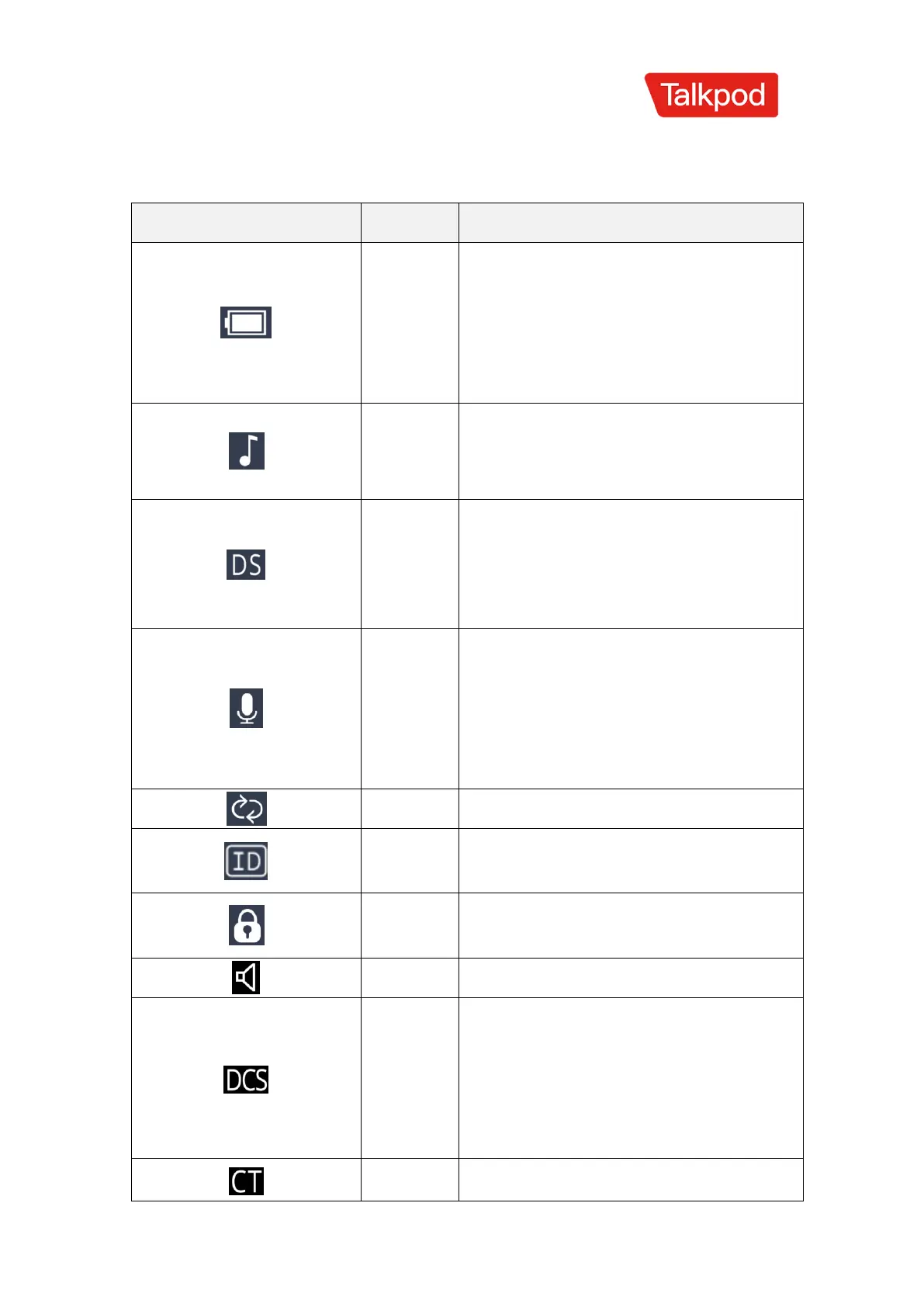
Indicates the current battery level.
When the battery is nearly depleted,
the symbol's outline will flash,
indicating that the walkie-talkie is
prohibited from transmitting.
Enables sidetone, indicating that the
device emits a tone sound when
transmitting DTMF signals.
Activates the dual watch function,
allowing simultaneous monitoring
of the two frequencies or channels
displayed in standby mode.
Enables the voice-operated
transmission (VOX) function, which
starts transmission when the
microphone's sound pressure level
reaches the set value.
Indicates that the ID signaling
function is currently activated.
The keyboard is locked; press and
hold the FM key to unlock.
Indicates that the current sub-audio
tone is digital. This symbol appears
during transmission, signifying that
digital sub-audio tone signaling is in
progress.
Indicates that the current sub-audio tone



 To Next Page