11 Talon
Talon - NET DVR
4.2. Accessing Talon Net
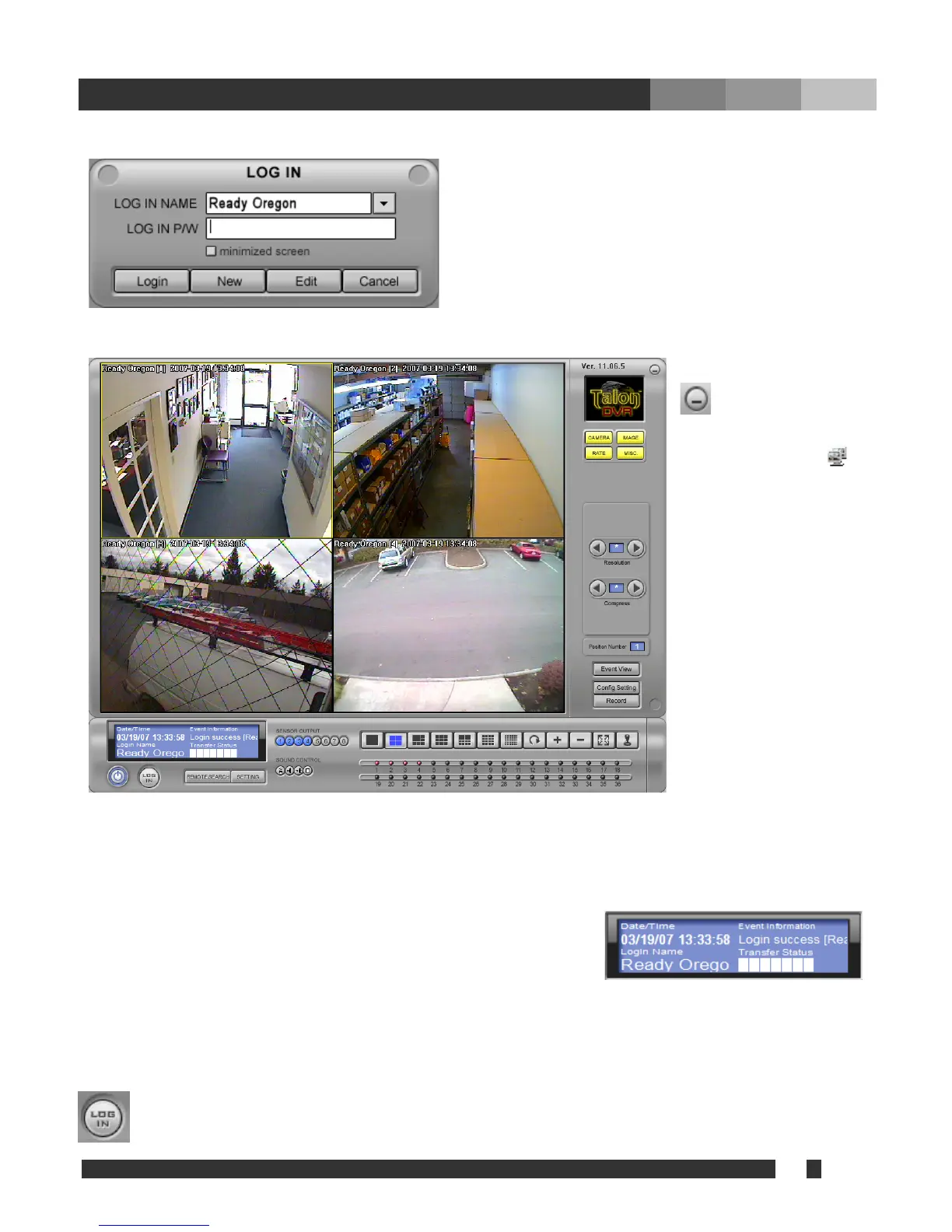
Type login and password and click “LOGIN”.
: Minimize Talon
et software in the
syste
Date/Time: Indicates the time and date of the
location of DVR Net
L
Event Information: ate any of event
). To
Transfer Status:
nly.
N
m tray. Click
at right bottom corner
will bring the full
window.
ogin name: User ID currently logged in with.
It is the place to indic
notification from connected site(s
receive notification, “Remote
notification of events” must be checked
on DVR main.
This is indicating the connecting speed
as bench mark o
: Refresh the c
onnection.


 To Next Page