8 Talon
Talon - NET DVR
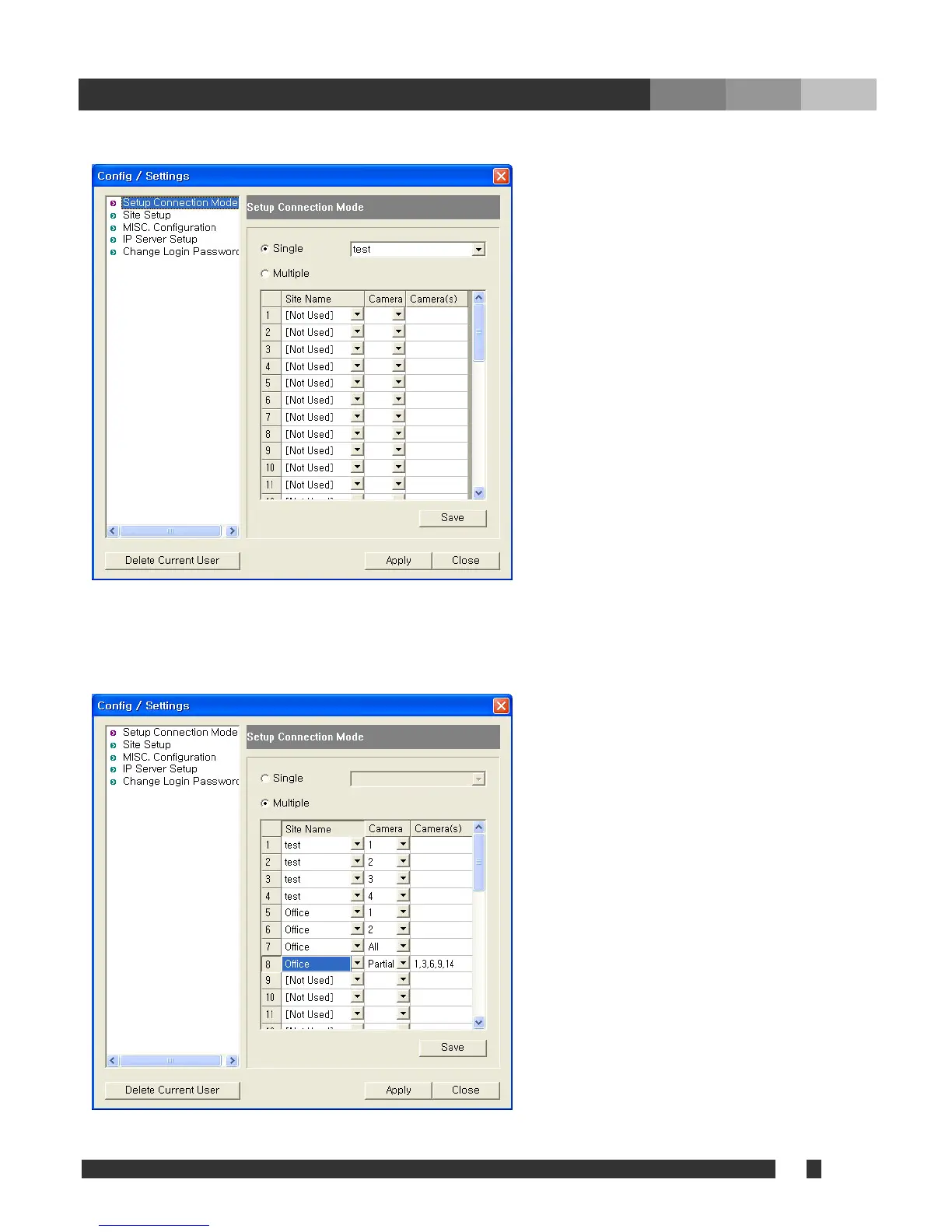
4.1.2. Setup Connection Mode
•Single: Check and select one of
registered sites to access one site of DVR
main.
•Multiple: Check to access multi-sites
upon log in. Connection must be defined
as following.
• Site name: select a site to connect.
• Camera number(s): Choose a camera
number, all, or partial
-All: Choose to display all available cameras
sequentially from the selected site.
-Partial: Choose to display multiple cameras
from the site. Number of cameras must be
assigned. For example, the position 8 will
display camera 1, 3, 6, 9, and 14 sequentially
from site name Office.
“Save” must be clicked to take effect.



 To Next Page