7 Talon
Talon - NET DVR
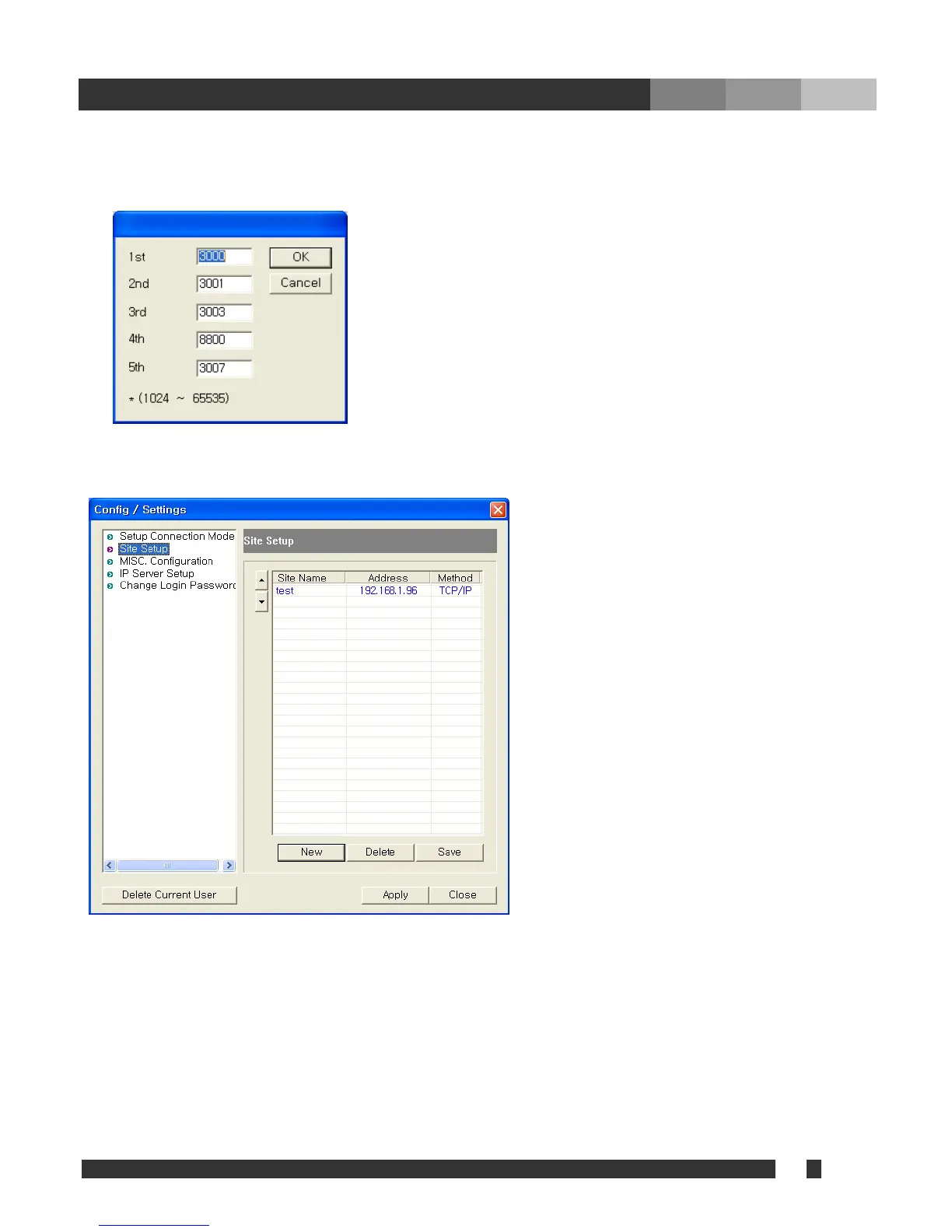
• Port (Properties): Set the port No, which was stored in accordance with “ Appendix > DVR
Management > Detail setting” in DVR main/ User’s Guide. It is recommended to use the default
data stored in DVR program unless it is necessary to use others.
Click “OK” to finish a new site setting, then the added site will be listed as following.
In order to edit the site information already stored, double click on the site name to change the data.
“Save” must be clicked to take effect.



 To Next Page