13 Talon
T lon - NET DVR a
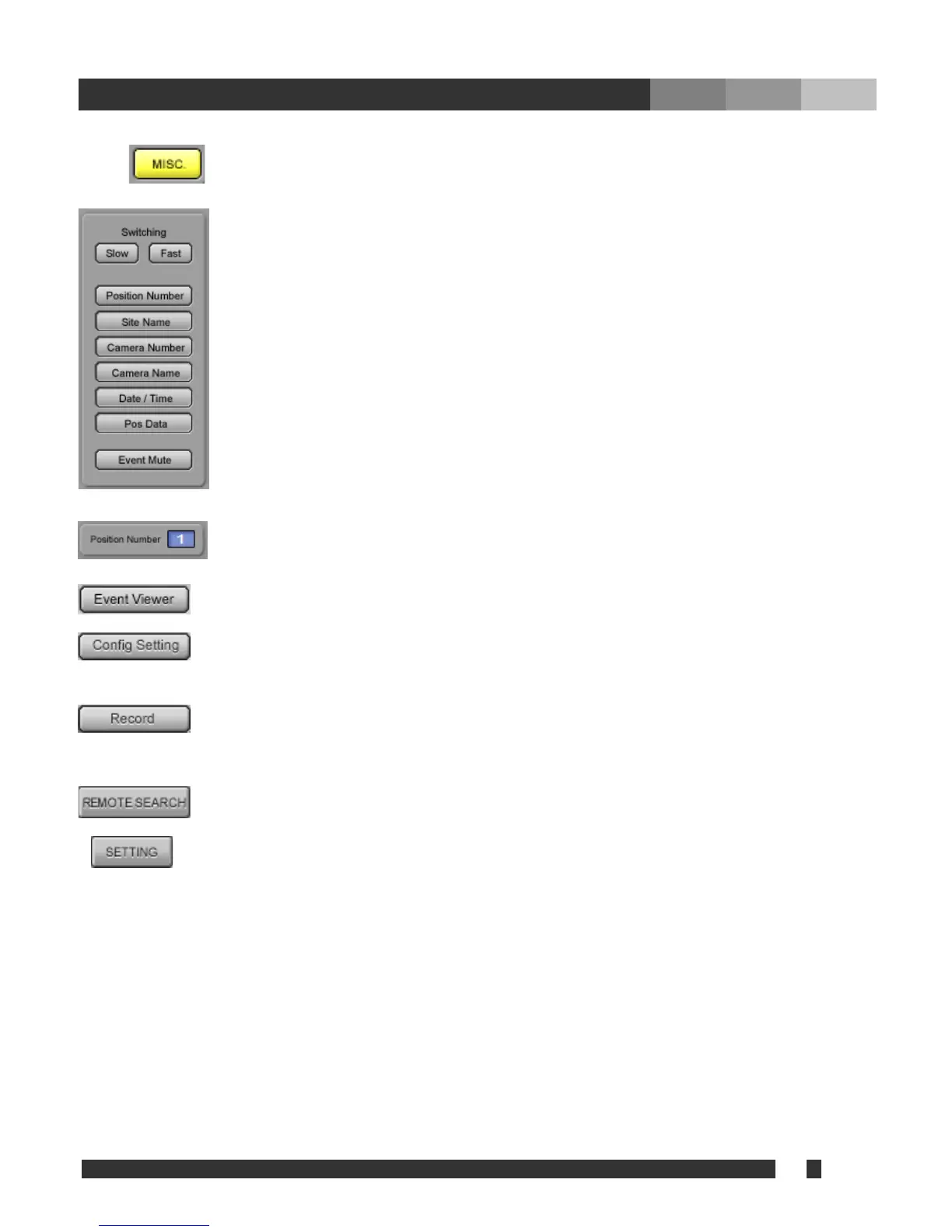
Press
to contol following functions.
Switching (SLOW / FAST):
Adjust switching interval slower or faster when the
channel is displaying multiple cameras by
switching (Applicable for multi connection only).
Position Number:
Displays the position n
umber on the image.
Site Name:
Displays the site information on the image.
Camera Number:
Displays the camera number on the image.
Camera Name:
Displays the camera name assigned at the
server.
Date / Time:
Displays date and time from the server.
POS Data:
Displays POS data if available.
Event Mute:
Mutes the beep sound by the event
notification. It also disables the popup by
event notification while minimized.
contols are applied to t
: Displays the position number, which is currently selected. All adjustments and/or
he camera on this position.
: Sh
click search window to retreive data immediately.
ows the event list, which contains log of events notified from server(s). Double
ing on the event will popup the
: Open the “Config / Settings” Window (Refer to 4.1.Talon Login Setup for etail).
: Records all displayed channels. Each channel will be recorded in MP4 format at
the AVI Path assigned from “Config / Settings” => “MISC Configuration”. The
position with enabled switching camera will not be recorded. Switching camera
must be disabled when the desired camera is on, before start recording.
: Search recorded data from server. Multiple search windows can be initiated
simultaneously to search multiple servers at the same time.
: Adjusts setting of Talon DVR System from Talon Net.


 To Next Page