11
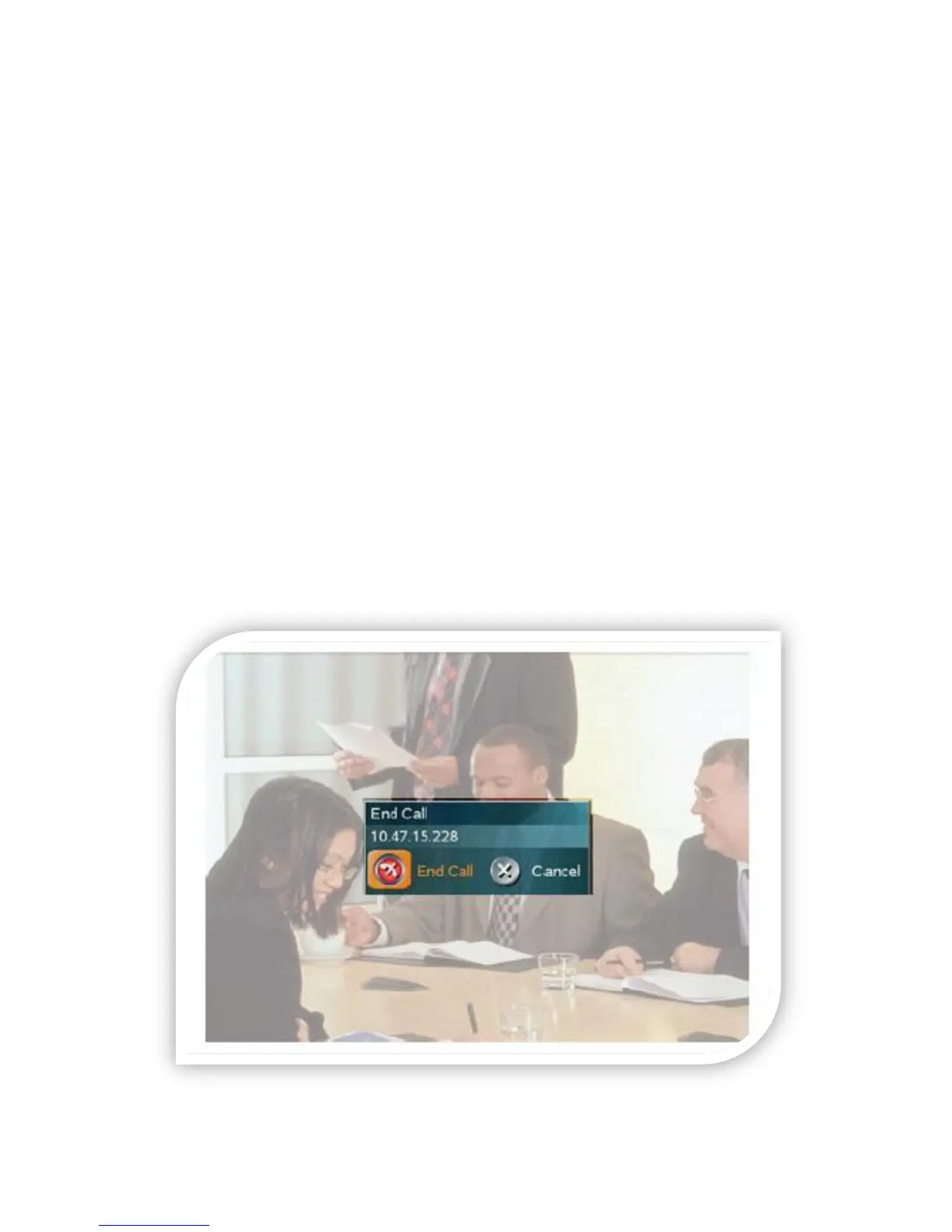
Ending an ongoing call
You end a call on the videoconference system in the same way as you do on a
mobile phone – by pressing the END CALL key on the remote control.
Ending a multi-point call (more than two participants) can only be done by the
host (also called the Videoconference Master). The other parties can disconnect
themselves from the conference at any time, with no influence on the rest of the
conference.
*Note – if there are no patrons attending at your site, please disconnect from the
call. Also note that turning off your monitor will not disconnect your system from
the call.
*Note – if you are accidently disconnected from a multi-point call do not attempt
to reconnect, but instead call your IT department immediately and they will
reconnect your site. For point-to-point calls, simply dial the site from the Placed
Calls section of the phone book.



 To Next Page