4
Navigating in the Menus
Your Tandberg system is operated by means of the remote control and a few
basic navigation principles.
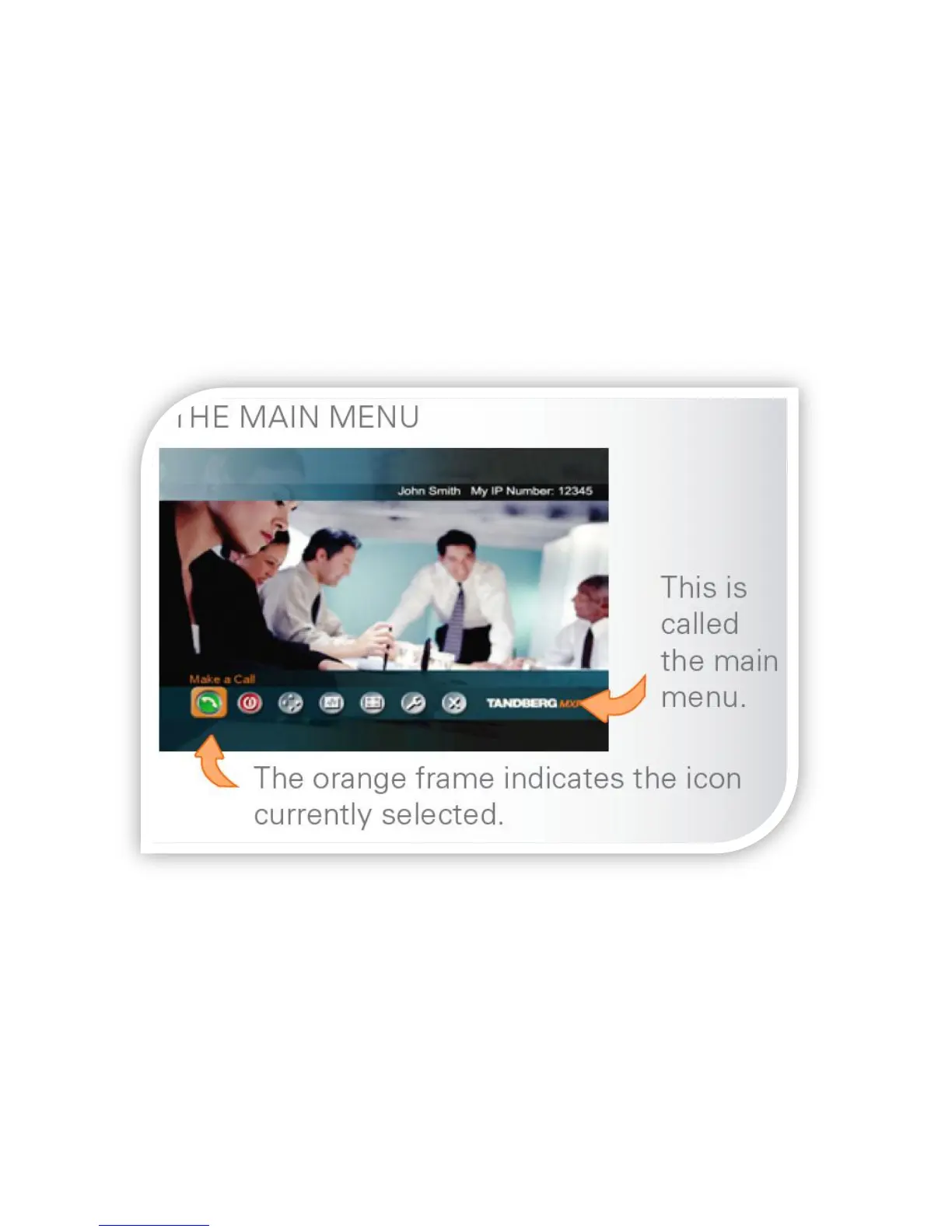
Press OK to enter the Main Menu and Cancel to exit. This menu will be displayed
when your system is “woken up” from Standby mode.
Use the four ARROW keys to navigate between icons in a menu.
The OK key is used to enter the submenu of an icon.
To back up, use the CANCEL key or use the ARROW keys to navigate to the “X”
icon.
You may be asked to navigate to the Control Panel for diagnostic or
troubleshooting purposes by IT staff. Please do not alter settings without
speaking to IT staff as this may make your system temporarily inoperable.



 To Next Page